

Knowing how to write a great business email really boils down to three things: a clear subject line, a scannable body, and a specific call to action. Once you nail these, every message you send—from simple order confirmations to complex support replies—becomes a chance to build your brand and even boost revenue.
Why Great Business Emails Are Your E-commerce Superpower
Let's face it, the modern inbox is a warzone. For an e-commerce brand, every email is a direct line to your customer. That means each order confirmation, shipping update, and support ticket isn't just a notification; it's a critical moment to create a positive experience and build loyalty.
If you think of these messages as just a chore, you're leaving money on the table. It's time to shift your mindset from merely 'writing emails' to 'building relationships' with every interaction. This is more important than ever now that most people are reading emails on their phones, where they demand clarity and immediate value.
The Scale of Modern Communication
The sheer volume of email flying around every day is staggering, which is exactly why yours needs to stand out. It's estimated that by 2025, nearly 4.6 billion people worldwide will use email, sending around 376 billion emails per day.
The average office worker alone gets about 121 emails daily. That's a lot of noise to cut through. For a deeper dive into making your emails effective, from setup to optimization, this guide on Mastering Email: Your Ultimate Guide To Setup, Troubleshooting, And Optimization is a fantastic resource.
Turning Conversations into Conversions
Every single email you send is a chance to show your customers you value them and to improve the e-commerce customer experience. A well-written message can do so much more than just deliver information.
- Build Trust: Proactive and clear communication after a purchase shows you're on top of things and that you care.
- Reduce Support Load: When your transactional emails answer questions before they're even asked, your support team can breathe easier.
- Drive Repeat Business: A smooth, positive experience is one of the biggest reasons customers come back.
The real goal is to make every email feel personal and valuable, even when you're sending thousands of them. This is how you turn a simple notification into a memorable brand interaction.
This is where tools like MAILO AI come in, helping you maintain that high-quality, personal touch automatically. When you start treating every email as a strategic asset, your support channel stops being a cost center and starts becoming a powerful engine for growth.
The Anatomy Of A High-Impact E-commerce Email
Every great business email, whether it's a simple shipping confirmation or a tricky support reply, shares the same DNA. Once you understand these core components, you can stop sending generic, forgettable messages and start crafting interactions that actually build your brand. Knowing how to write a business email that connects with customers is a repeatable skill, not some mysterious art form.
Think of it this way: writing the email is the first step. That single message is your chance to build a real relationship and, ultimately, grow your business.
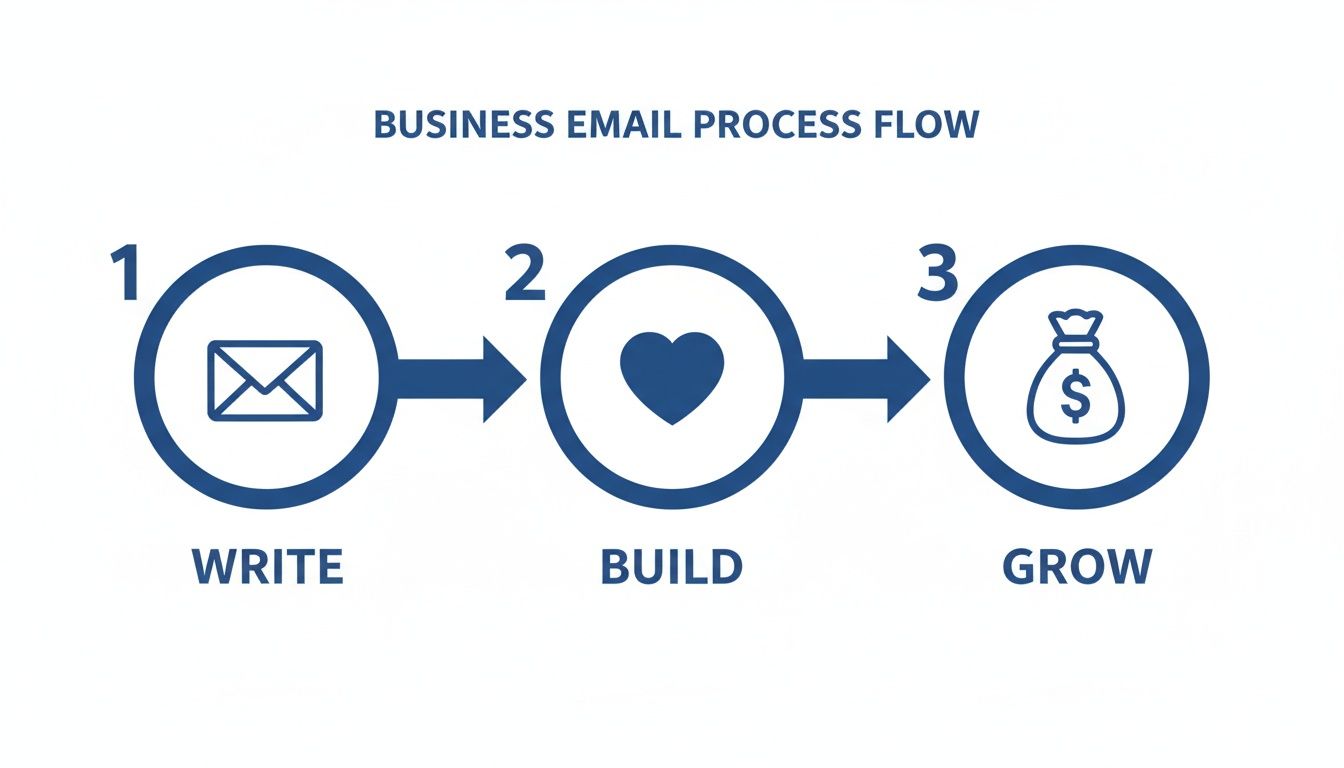
This simple flow is a great reminder that every message is a small opportunity to earn a customer’s loyalty and encourage them to come back for more.
Crafting The Perfect Subject Line
Let’s be honest: the subject line is your gatekeeper. It's often the single deciding factor on whether your email gets opened or sent straight to the trash. The data doesn't lie—about 33% of recipients open emails based on the subject line alone. That makes it arguably the most important sentence you'll write all day.
For e-commerce, clarity and value are everything. Generic phrases like "Your Order" or "Update" do the bare minimum but waste a golden opportunity to create a positive feeling and give instant context.
Instead, try framing it with the customer's perspective in mind:
- Good News! Your [Product Name] Is on Its Way. This feels positive, it's specific, and it builds that "can't-wait-to-get-it" anticipation.
- A Quick Question About Your Recent Order #[Order Number]. This is direct, personal, and flags that the email needs their attention.
- Your Refund for Order #[Order Number] Has Been Processed. This provides immediate resolution and a sigh of relief.
The whole point is to give them a compelling reason to click your email out of a sea of others in their inbox.
Nailing The Opening Line And Body Structure
Once they're in, your first line sets the entire tone. A warm, personal greeting immediately shows you see them as a person, not a number. Ditch the stuffy "Dear Sir or Madam" and go with a friendly yet professional "Hi [Customer Name]." It makes all the difference.
Now for the body. You have to structure it for scanners, not readers—especially on mobile. How you write a business email directly impacts whether it gets read and acted upon. With a massive 75–81% of users checking email primarily on their phones, huge blocks of text are a death sentence for engagement. In fact, a staggering 42.3% of users will just delete emails that aren’t easy to read on a small screen. This means short paragraphs, clear headings, and bullet points are no longer optional.
A great business email respects the reader's time. Structure your message so the main point can be understood in five seconds or less.
For example, if you have to deliver news about a shipping delay, don't bury the lead. Start with the update, briefly explain why, and immediately provide the new estimated delivery date. This approach respects their time by getting straight to what they care about most. If you want to dive deeper into email engagement stats, this Sopro.io report is full of great insights.
To help you put this all together, here’s a quick checklist you can reference.
Email Component Checklist For E-commerce
| Email Component | What To Do | What To Avoid |
|---|---|---|
| Subject Line | Be specific, clear, and value-driven. Use the order number. | Vague phrases like "Order Update" or "Important Info." |
| Opening | Use the customer's first name for a personal touch. | Generic greetings like "Dear Valued Customer." |
| Body | Use short paragraphs, bold text, and bullet points. | Long, dense walls of text that are hard to scan. |
| Call-to-Action | Provide one clear, direct next step. | Multiple links or unclear instructions. |
| Signature | Include your name, title, company, and store link. | Cluttering it with social media icons or quotes. |
Keep this handy as you're writing. It’s a simple way to make sure you’re hitting all the right notes every time you reach out to a customer.
The Closing CTA And Professional Signature
The end of your email is your chance to guide the customer. Every single business email, even a transactional one, needs a clear call-to-action (CTA). Your CTA removes any guesswork and tells the reader exactly what to do next.
- For a shipping notice: "Track your package here."
- For a support query: "Does this solution work for you?"
- For a review request: "Share your feedback here."
Finally, a professional signature reinforces that you're a legitimate, trustworthy brand. It should be clean, simple, and contain only what’s truly necessary.
Make sure your signature includes these three things:
- Your Name and Title: (e.g., Sarah Chen, Customer Happiness Lead)
- Your Company Name: (e.g., Aura Pet Supplies)
- A Link to Your Store: This is non-negotiable. Always make it easy for them to get back to your site.
Resist the urge to clutter your signature with a bunch of social media icons or cheesy inspirational quotes. Keep it professional, helpful, and focused on giving your customer what they need.
Finding Your Brand Voice In Every Message
The best emails do more than just pass along information—they create a feeling. The real magic isn't just what you say, but how you say it. Every single message is a chance to let your brand's personality shine, turning a simple transactional update into a memorable moment that builds real trust.
Think of it this way: your brand voice is the personality of your business. Are you playful and witty? Or are you more sophisticated and minimalist? Nailing this down is the first step to writing emails that feel genuinely human and connect with your audience.
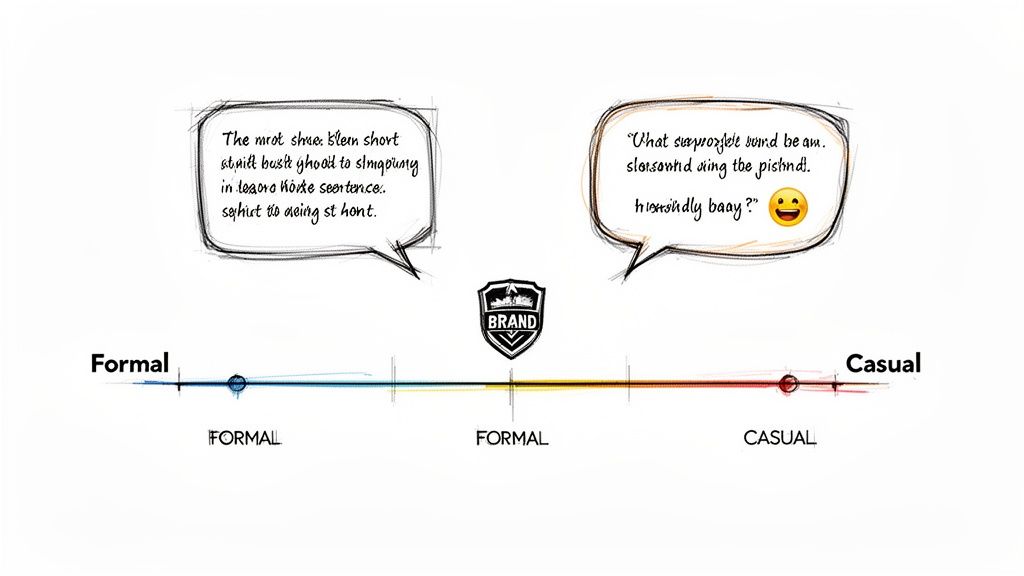
This consistency is what makes a customer feel like they’re talking to the same friendly company every single time, whether they're getting an order confirmation or a reply from your support team. It's how you become reliable and familiar.
Defining Your Brand Voice Spectrum
Every brand lands somewhere on a communication spectrum, from buttoned-up formal to super casual. Where you fit depends entirely on what you sell and who you're selling it to. There’s no single "right" way to sound, but there is a right way for your brand.
Let's see how this plays out. Imagine two different brands having to deliver the same bad news—a shipping delay.
-
Playful & Casual (like a pet toy company): "Uh oh, looks like Fido's new squeaky toy is taking a little detour! We're so sorry for the hiccup. Our team is on it, and we'll have your package back on track ASAP. We've added some extra loyalty points to your account for the wait!"
-
Luxury & Formal (like a high-end watchmaker): "Dear [Customer Name], we are writing to inform you of an unforeseen delay regarding your order #[Order Number]. We sincerely apologize for this inconvenience. Your new estimated delivery date is [New Date], and we will notify you immediately once it has shipped. Thank you for your patience."
Both get the job done, but the feeling they leave behind couldn't be more different. The first builds a friendly, informal rapport. The second reinforces a sense of premium, professional service. Neither is better than the other; they're just perfectly aligned with their brand.
Your brand voice isn't just about word choice; it's about the entire customer experience you're crafting. It dictates everything from your vocabulary and sentence structure to your use of emojis and punctuation.
So, where does your brand fall on this spectrum? Figuring that out is the key, as it will guide all your communication choices from here on out.
Creating Simple Voice Guidelines
You don't need a 50-page manual to get this right. In fact, a simple one-page guide for your team can work wonders. This document ensures everyone, from marketing to customer support, knows how to write an email that sounds like it came from the same person.
Your guidelines should cover a few key areas:
- Vocabulary: List some "on-brand" words (e.g., "awesome," "discover," "essential") and words you’d rather avoid (e.g., "utilize," "purchase," "synergy"). This is a quick way to maintain a consistent feel.
- Sentence Structure: Do you lean toward short, punchy sentences or more descriptive, flowing ones? This choice really impacts the rhythm and pace of your writing.
- Tone & Formality: Get specific about greetings and sign-offs. Is it "Hey [Name]" or "Dear [Mr./Ms. Last Name]"? Do you end with "Cheers" or "Sincerely"?
- Emoji & GIF Usage: Set some clear rules. Are they encouraged, allowed only in specific situations, or off-limits completely?
Creating these simple guardrails empowers your team to communicate with confidence and consistency. It ensures every single email, no matter who hits "send," strengthens your brand and builds a real connection with your customers.
Essential Email Templates For Common Shopify Scenarios
Knowing the theory behind a good business email is one thing, but actually writing one when you're busy is another beast entirely. To make things easier, let's jump from abstract ideas to concrete examples you can use right away.
Here are some practical, easy-to-adapt templates for the most common situations you'll run into as an e-commerce store owner.
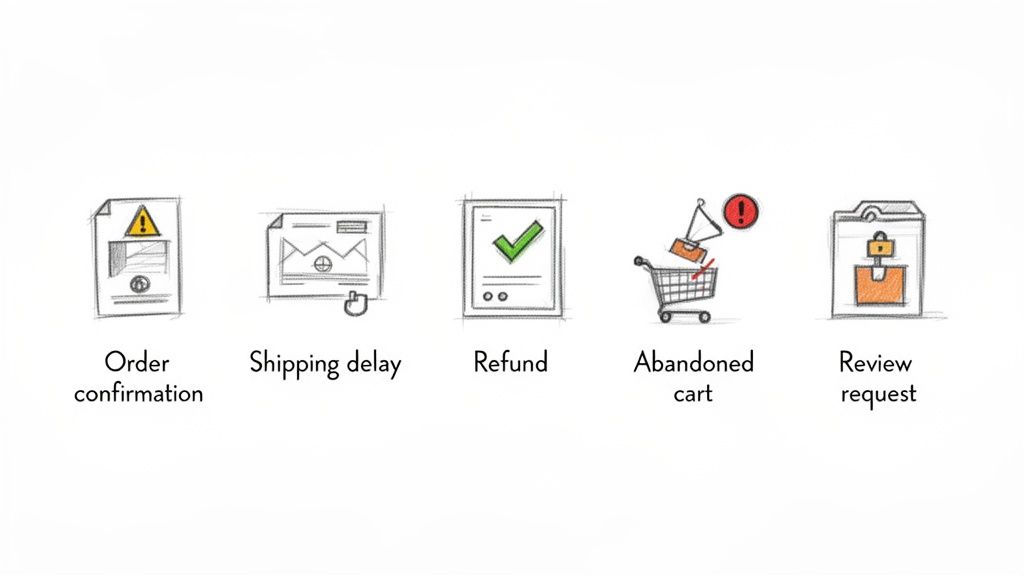
Think of these less as rigid scripts and more as starting points. The real magic happens when you inject your own brand’s personality into them.
The Warm Order Confirmation
The customer just clicked "buy"—this is your first, best chance to make a great impression. A bland "Order #12345 Confirmed" email is a totally wasted opportunity. Your goal here is to thank them, reassure them, and start building excitement.
Subject: Your [Your Brand Name] Order is Confirmed! 🎉
Body:
Hi [Customer Name],
Thanks so much for your order! We’re so excited for you to get your hands on your new [Product Name(s)].
Our team is already getting everything ready for you. We’ll send another email as soon as it ships.
In the meantime, you can view your order details here: [Link to Order Status Page]
Questions? Just reply to this email. We're always happy to help.
Cheers,
The Team at [Your Brand Name]
Why it works:
- It’s enthusiastic. The emoji and excited language make the customer feel like they’re part of a celebration, not just another transaction.
- It sets expectations. By clearly stating, "We'll send another email as soon as it ships," you're managing expectations perfectly.
- It’s accessible. The simple invitation to "Just reply to this email" makes your support feel personal and within reach.
The Proactive Shipping Delay Notification
Nobody likes delivering bad news, but how you deliver it changes everything. When a shipment gets delayed, you have to be proactive, honest, and empathetic. This is your chance to turn a negative experience into a moment of trust-building.
Subject: An Important Update on Your Order #[Order Number]
Body:
Hi [Customer Name],
We're writing to let you know about a slight delay with your recent order, #[Order Number].
Due to [brief, honest reason, e.g., an unexpected issue at our warehouse], your package is now expected to ship on or before [New Expected Ship Date]. We are so sorry for this unexpected wait.
We're working hard to get your order to you as quickly as possible and will send a shipping confirmation email the moment it's on its way.
We really appreciate your patience. If you have any questions at all, please let us know.
Sincerely,
[Your Name/Team Name] at [Your Brand Name]
Why it works:
- It’s honest. It gets straight to the point without making flimsy excuses.
- It shows empathy. Phrases like "We are so sorry" and "We really appreciate your patience" acknowledge the customer's frustration.
- It’s crystal clear. It gives a new, specific timeline, which is the single most important piece of information the customer is looking for.
The Clear And Simple Refund Process Email
When a customer asks for a refund, they just want it to be fast and painless. Your email needs to confirm the action immediately and remove any anxiety about where their money is.
Subject: Your Refund for Order #[Order Number] Has Been Processed
Body:
Hi [Customer Name],
This email confirms that your refund for order #[Order Number] has been successfully processed.
You can expect to see the amount of [Refund Amount] back in your account within 3-5 business days, depending on your bank's processing times.
If you don't see the refund after 5 business days, please get in touch with us here. We’d be happy to look into it for you.
We're sorry this order didn't work out, and we hope to see you again soon.
Best,
The [Your Brand Name] Team
Why it works:
- It’s direct. The subject line delivers the good news right away—no need to dig for it.
- It’s specific. Giving the exact refund amount and a clear timeline (3-5 business days) answers their main questions before they have to ask.
- It’s helpful. Offering a clear next step if something goes wrong shows you’re committed to making things right.
The Non-Intrusive Abandoned Cart Follow-Up
People abandon carts for all sorts of reasons—the dog started barking, the baby woke up, they got a call. This email is just a gentle nudge, not a hard sell. It’s all about reminding them what they liked and making it incredibly easy to finish the checkout.
Subject: Did You Forget Something?
Body:
Hi [Customer Name],
Looks like you left some great items in your cart!
[Image of Product(s)]
[Product Name] - [Price]
Ready to make them yours? Your cart is saved and waiting for you right here:
[Link to a pre-populated cart]
If you have any questions or ran into an issue, just hit reply. We're here to help!
All the best,
[Your Brand Name]
Why it works:
- It’s visual. An image of the product is way more compelling than just text.
- It’s low-pressure. The tone is helpful and curious, not pushy or demanding.
- It’s frictionless. The link goes straight to a pre-populated cart, removing every possible barrier to completing the purchase.
The Compelling Product Review Request
Social proof is marketing gold. For many new shoppers, a handful of positive reviews is the final push they need to buy. This email should make it dead simple for a happy customer to share their thoughts while the product is still fresh in their mind.
Subject: How Are You Liking Your [Product Name]?
Body:
Hi [Customer Name],
It's been a little while since your [Product Name] arrived, and we'd love to hear what you think!
Your feedback helps other customers make great decisions and helps us know what we're doing right. Would you be willing to share your experience?
It only takes a minute:
[Direct Link to Product Review Page]
Thank you so much for your time and for being a part of the [Your Brand Name] community.
Warmly,
The [Your Brand Name] Team
Why it works:
- It’s well-timed. It’s sent after the customer has actually had a chance to use the product.
- It’s benefit-oriented. Framing the request as "helping other customers" is often a much stronger motivator than just asking them to help your company.
- It’s incredibly simple. The call-to-action is one clear, direct link. No hoops to jump through.
These templates should give you a solid foundation. For more tips on getting the tone just right, check out our detailed article on email etiquette samples to really polish your approach. Remember, the best emails always feel personal, helpful, and true to your brand.
How To Scale Your Support With AI And Automation
When you're just starting out, writing fantastic, personal emails one by one is totally manageable. But what happens when your brand takes off and you're suddenly dealing with hundreds, or even thousands, of customer emails a day? That's when you hit a wall.
That same high-touch, personal approach becomes nearly impossible to maintain. Your support team gets buried, response times lag, and the quality of your answers can start to slip. The solution isn't to hire an army of agents; it's to work smarter by bringing in smart automation to handle the load.
Moving Beyond Manual Replies
This is where AI-powered email tools come into play, especially for growing Shopify stores. They’re designed to help you manage that firehose of messages without losing the personal touch that your customers love. Think of this tech as a powerful assistant, not a robotic replacement.
The real magic is in the integration. A platform like MAILO AI plugs directly into your Shopify store, giving it instant access to critical customer data. This includes things like:
- Order History: What has this person bought before?
- Shipping Status: Where is their package right now?
- Customer Details: Who are they, and what have they asked in the past?
With that direct connection, when a customer asks, "Where is my order?" the AI can draft a reply that's not just instant, but also perfectly accurate, pulling in their specific tracking details automatically.
The Practical Benefits Of AI-Powered Support
Let's be clear: this is about more than just speed. It's about creating a customer experience that's incredibly consistent and reliable. Once you teach an AI your specific brand voice, every single response—whether it's a fully automated reply or just a draft for an agent to approve—sounds like it came straight from you.
This consistency is what builds trust. It means every customer gets the same high standard of care, regardless of who's working or how swamped the inbox is. If you want to dive deeper into how these systems operate, our guide to AI customer support software breaks down all the features and benefits.
The goal of AI in customer support is to handle the repetitive, predictable inquiries so your team can dedicate their expertise to complex, high-value conversations that truly require a human touch.
Ultimately, this frees up your human agents from the soul-crushing task of answering the same questions over and over. They can then focus their brainpower on solving unique problems, proactively helping customers, and turning a frustrating situation into a genuinely positive brand moment. Experimentation is your best friend here; you can really fine-tune your AI's output by exploring prompts in an OpenAI playground.
Getting Started With Smart Automation
Jumping into AI doesn't have to be a giant leap of faith. Most teams start with a semi-automated approach that feels comfortable. The AI suggests a reply, and a human agent gives it a quick look, maybe a small tweak, and hits send. It's the perfect partnership of machine efficiency and human oversight.
For instance, an AI can start by simply triaging your inbox. It can flag urgent issues for immediate attention while drafting automatic replies for routine questions. Just that one organizational step can cut through the clutter and make sure the most important tickets get handled first. As you get more comfortable and see the results, you can start to dial up the automation for specific types of emails, confident that your brand's voice and quality are always protected.
Common Questions About Writing Business Emails
Even after you've got your templates and strategies sorted, you'll still run into those tricky one-off situations. Perfecting how you write a business email is all about knowing how to handle these little nuances with confidence.
Let’s get into some of the most common questions that pop up for e-commerce managers and support teams. This is your quick-reference guide for those moments when you're thinking, "Okay, what's the right move here?"
How Long Should a Professional Business Email Be?
When it comes to email, shorter is almost always better. I've found the sweet spot for most customer updates and inquiries is somewhere between 50 and 125 words.
That’s just enough space to get the important details across without forcing someone to read a wall of text on their phone. Your real goal isn't to hit a specific word count; it's to respect your customer's time. Get straight to the point, use simple formatting like bullet points, and make sure your main message is impossible to miss.
A great business email gets its point across in the first five seconds. If a customer has to scroll and search for the main takeaway, it’s already too long.
Remember, a concise email comes across as confident and helpful. A long, rambling one just feels like a chore to read and is far more likely to be ignored.
What Is The Best Time of Day to Send an Email?
You’ll see countless studies that swear by mid-morning on a Tuesday as the magic time to send emails. But honestly, for e-commerce, that advice doesn't always apply. The best time really depends on what you're sending.
- Transactional Emails: These need to go out immediately. Order confirmations, shipping alerts, and password resets are part of the service you’re providing. They should be triggered in real-time, whether it’s 3 PM or 3 AM.
- Marketing & Follow-Up Emails: This is where you need to put on your detective hat. For things like review requests or special offers, look at your own data. You might find your customers are most engaged during their lunch break or after they’ve put the kids to bed.
Instead of following some generic rule, let the purpose of the email guide you. If it’s an instant-value message, send it instantly. If it’s meant to drive engagement, test and see what works for your specific audience.
Is It Okay to Use Emojis In a Business Email?
This one is tricky. The short answer? It really depends on your brand and the context. Emojis can be a great way to add a human touch and a bit of warmth, but they can also feel unprofessional if you get it wrong.
Here are a few guidelines I stick to:
- Does it match your brand? If your brand is fun and casual, a well-placed emoji (like a 🎉 in an order confirmation) fits right in. If you're a luxury brand, it's probably best to skip them.
- Mirror the customer. In a support chat, a good rule of thumb is to match the customer's vibe. If they’re using emojis, it’s usually safe for you to drop one or two into your reply.
- Never in serious situations. When you’re dealing with a formal complaint, a security issue, or a major shipping mess-up, keep it professional. Clarity and a serious tone are what matter most in those moments.
When in doubt, leave them out. A professional tone is always a safe bet, whereas a misplaced emoji can really undermine your credibility.
What Are The Biggest Mistakes to Avoid In Business Emails?
Beyond the basics, a few common slip-ups can do some real damage to your brand's reputation and leave customers feeling frustrated. The absolute biggest one? Failing to proofread. An email riddled with typos makes your whole operation look sloppy and untrustworthy.
Here are a few other major mistakes I see all the time:
- Vague Subject Lines: A subject like "Your Order" or "An Update" is just lazy. It forces the customer to do the work of figuring out what you want. Be specific!
- Forgetting Personalization: Nothing screams "I don't care" like "Dear Valued Customer." Use their name. It's a small detail that makes a huge difference.
- No Clear Call-to-Action: The customer should never have to guess what to do next. If you need them to click a link, track a package, or leave a review, tell them directly.
Avoiding these simple but damaging errors is a huge part of learning how to write a business email that actually builds trust. Always take an extra 30 seconds to read it over before you click send.
Ready to stop writing emails and start automating them with perfect brand voice and Shopify integration? MAILO AI generates instant, personalized support replies, so you can deliver exceptional service at scale. Start your free trial and see it in action.