

In the competitive world of e-commerce, understanding your customers isn't just a nice-to-have, it's the engine of growth. While many Shopify merchants know they need feedback, they often get stuck on the 'how.' What questions should you ask? When is the right time to ask them? And most importantly, how do you turn that raw data into strategic decisions that boost your bottom line?
This guide cuts through the noise. We're not just showing you generic survey tools; we are dissecting powerful feedback form examples and breaking down the specific strategies behind each one. You'll learn how to craft targeted forms for every critical stage of the customer journey, from post-purchase satisfaction to product development insights and cart abandonment recovery.
For each example, we provide actionable templates with sample copy, recommended fields, and the key performance indicators (KPIs) you should be tracking for success. We'll also cover the best trigger points for deploying each form, ensuring you ask the right questions at the perfect moment. To ensure your feedback collection process is as effective as possible, it's wise to follow established Customer Feedback Best Practices.
Crucially, we'll show you how to close the loop by integrating and automating responses with AI tools like Mailo AI. This turns every piece of feedback into a meaningful conversation that builds loyalty and drives repeat business. Let's move beyond basic surveys and build a feedback system that fuels your brand's growth.
1. Typeform
Typeform distinguishes itself in the crowded world of feedback form builders with its signature "one question at a time" user experience. This conversational approach feels more like a dialogue than a static form, a design choice that significantly boosts completion rates by reducing cognitive load and keeping users engaged. For e-commerce stores, this means capturing more valuable customer insights without causing survey fatigue.
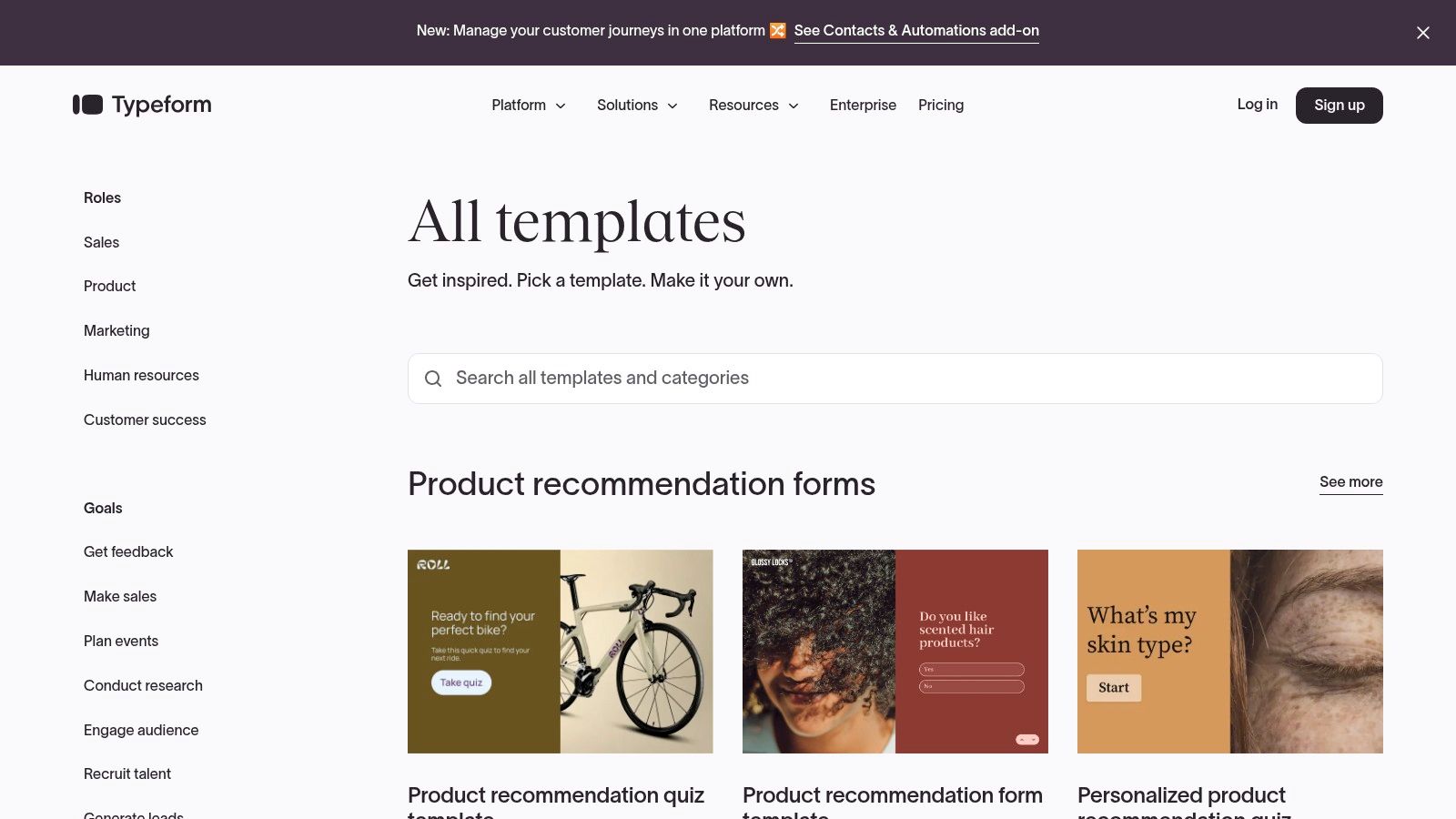
With a vast gallery of over 3,000 templates, Typeform provides a powerful starting point for nearly any feedback scenario. You can find pre-built feedback form examples for post-purchase satisfaction, product development ideas, Net Promoter Score (NPS), and even employee engagement. The platform’s strong customization allows you to easily align the forms with your brand’s visual identity, creating a seamless experience for your customers.
Key Features & Benefits
Typeform's strengths lie in its blend of beautiful design and powerful logic. Its interface is intuitive, making form creation straightforward even for non-technical users.
- Conversational UX: The one-question-at-a-time flow is less intimidating than traditional long-scroll forms, which often leads to higher submission rates.
- Advanced Logic: Use conditional logic (Logic Jumps) to create dynamic forms that adapt based on user answers. For instance, if a customer rates their experience poorly, you can immediately ask follow-up questions to understand why, while a happy customer sees a different path.
- Robust Integrations: With over 300 native integrations, you can automatically pipe feedback into tools like Slack, Google Sheets, HubSpot, or your CRM. This automation is crucial for creating closed-loop feedback systems where insights lead to action.
- Easy Embedding: You can embed forms directly onto your Shopify store pages, in emails, or share them via a direct link, offering flexibility in how you collect responses.
Strategic Insight: A key advantage of Typeform is its ability to personalize the feedback journey. By using "Hidden Fields" to pass customer data (like their name or last purchased item) into the form via the URL, you can create a hyper-personalized experience that makes customers feel seen and valued.
Practical Tips for E-commerce
To get the most out of Typeform, integrate it thoughtfully into your customer journey. For example, trigger a post-purchase feedback form via an automated email a week after delivery. This timing ensures the customer has had enough time to experience the product. By connecting Typeform to an AI-powered tool like Mailo AI, you can automate the analysis and response process, turning raw feedback into actionable improvements for your store. By analyzing responses, you can gain a deeper understanding of how to enhance your e-commerce customer experience.
Pricing & Access
Typeform offers a tiered pricing model that includes a free plan, which is great for getting started but is limited to 10 responses per month.
| Plan Tier | Key Features | Best For |
|---|---|---|
| Free | 10 responses/mo, unlimited forms | Small-scale testing or personal projects |
| Basic | 100 responses/mo, payment collection | Solopreneurs and early-stage stores |
| Plus | 1,000 responses/mo, custom branding | Growing businesses needing brand control |
| Business | 10,000 responses/mo, advanced analytics | Established brands focused on CX data |
While the response limits on lower tiers can be a constraint for high-volume stores, the investment in a paid plan unlocks the features necessary for a sophisticated feedback strategy.
- Website: https://www.typeform.com/templates/
2. Jotform
Jotform stands out for its sheer volume of templates and its practical, no-fuss approach to form building. While other platforms focus on a conversational feel, Jotform excels at creating robust, traditional forms quickly using a powerful drag-and-drop editor. For e-commerce stores that need to deploy diverse and specific feedback mechanisms without a steep learning curve, Jotform offers a highly efficient solution.
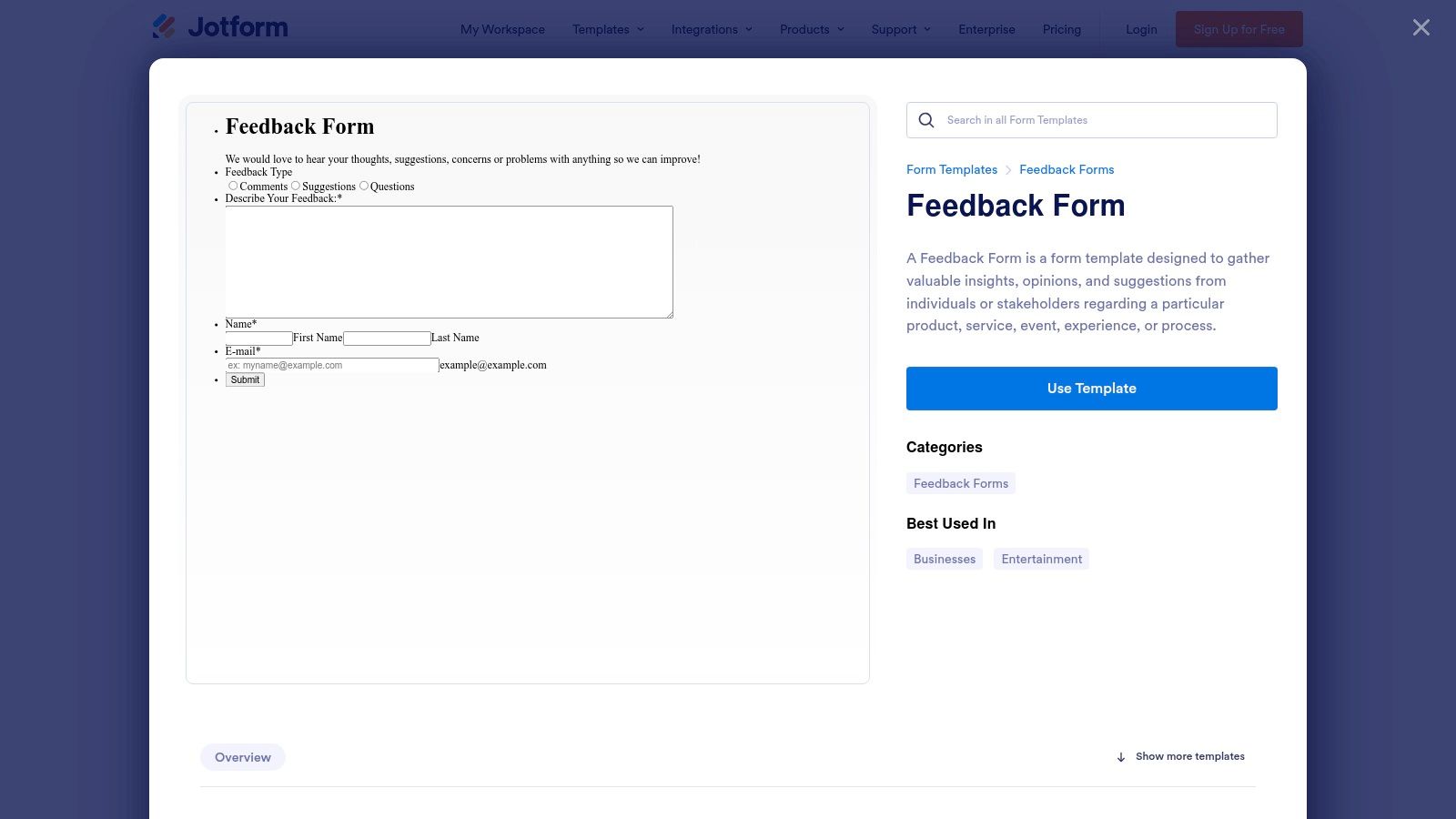
With over 2,500 feedback form examples, the platform covers nearly every conceivable use case, from customer service satisfaction and product reviews to website usability and post-event feedback. This extensive library allows store owners to find a template that closely matches their needs, customize it in minutes, and launch it immediately. The platform's powerful widgets and conditional logic also allow for sophisticated functionality without requiring any code.
Key Features & Benefits
Jotform's primary strength is its combination of a massive template library, an intuitive builder, and powerful data management features. It’s built for speed and utility.
- Vast Template Library: The ability to clone and customize thousands of pre-built forms saves immense time, making it easy to launch targeted feedback campaigns for different customer segments or touchpoints.
- Drag-and-Drop Builder: The visual editor is highly intuitive, offering a wide array of form fields and advanced widgets like e-signatures, file uploads, and appointment scheduling.
- Powerful Conditional Logic: Create smart forms that show or hide fields based on user responses. For instance, you can ask for more details about a specific product if a customer indicates they purchased it recently.
- Integrated Data Management: Submissions are automatically organized in Jotform Tables, which functions like a spreadsheet, allowing you to easily view, filter, and analyze feedback data without needing a separate tool.
Strategic Insight: Jotform's App Builder is a unique advantage for e-commerce stores. You can bundle multiple forms (e.g., feedback, returns, support requests) into a single app that customers can add to their home screen. This creates a dedicated, brand-owned channel for ongoing customer interaction and feedback collection.
Practical Tips for E-commerce
Leverage Jotform's versatility by creating different forms for specific stages of the customer journey. You could embed a simple "Website Feedback" form as a pop-up, email a "Post-Purchase Satisfaction" form after delivery, and use a detailed "Product Review" form to gather testimonials. Integrating Jotform with Mailo AI allows you to automate the process of categorizing and responding to this diverse feedback. For example, Mailo AI can analyze form submissions, identify urgent issues, and draft personalized replies, ensuring a timely and effective response to every customer.
Pricing & Access
Jotform has a generous free plan that is ideal for stores with low submission volumes, with paid tiers unlocking higher limits and advanced features.
| Plan Tier | Key Features | Best For |
|---|---|---|
| Starter (Free) | 100 submissions/mo, 5 forms | New stores or light-duty feedback collection |
| Bronze | 1,000 submissions/mo, 25 forms | Growing businesses needing higher limits |
| Silver | 2,500 submissions/mo, HIPAA compliance | Stores with steady volume and data security needs |
| Gold | 10,000 submissions/mo, unlimited forms | High-volume brands requiring a robust solution |
The monthly submission limits are a key consideration, but the platform's utility and speed often provide a strong return on investment for businesses that upgrade.
3. SurveyMonkey
SurveyMonkey is a titan in the feedback space, offering a robust platform built for scale and deep analysis. It differentiates itself with expert-written, methodologist-certified templates that provide a high degree of confidence in data quality. For e-commerce stores, this means you can deploy surveys for complex scenarios like CSAT, NPS, or website feedback, knowing the questions are designed to yield unbiased, actionable insights.
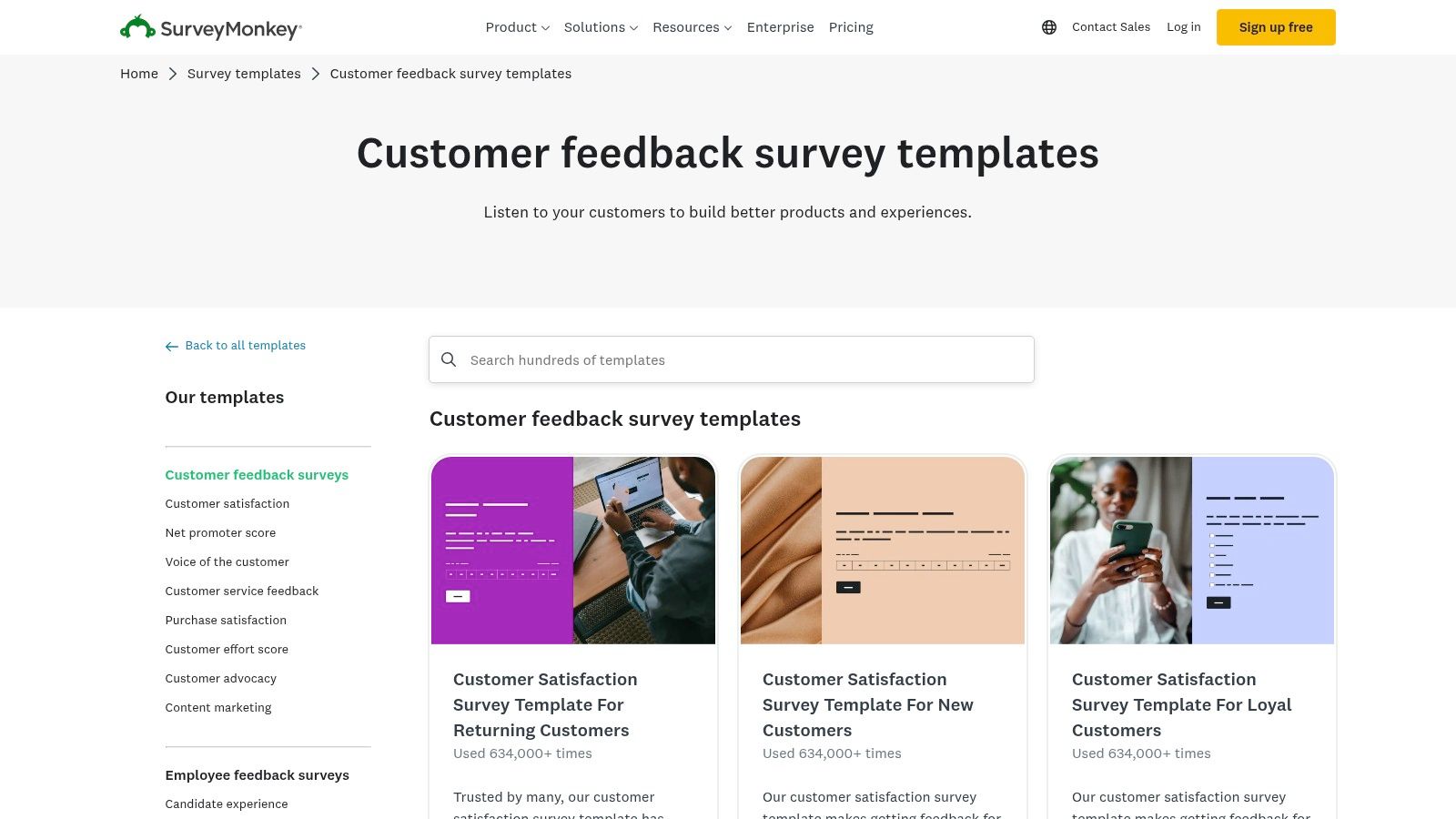
With an extensive library of over 400 expert-certified templates and more than 1,800 pre-written questions, SurveyMonkey is an excellent choice for teams that need to operationalize feedback quickly. You can find proven feedback form examples for nearly any touchpoint, from post-purchase satisfaction to product feature requests. The platform’s analytics suite is particularly powerful, enabling teams to filter results, create custom dashboards, and even perform text analysis on open-ended responses.
Key Features & Benefits
SurveyMonkey's core strength is its blend of accessibility and enterprise-grade analytical power, making it suitable for both small businesses and large CX teams.
- Expert-Certified Templates: Access a vast library of professionally designed survey templates that reduce bias and improve the quality of your feedback data.
- Powerful Analytics & Reporting: Go beyond raw data with built-in tools for filtering, cross-tabbing, and creating shareable dashboards to present insights to stakeholders.
- AI-Assisted Creation: Use SurveyMonkey Genius to get AI-powered recommendations for survey structure and questions, helping you build more effective forms faster.
- Multiple Collector Options: Distribute your feedback forms through various channels, including email, web page embeds, QR codes, and shareable links, ensuring you can reach customers wherever they are.
Strategic Insight: SurveyMonkey's text analysis feature is a game-changer for processing qualitative feedback at scale. It can automatically categorize open-ended comments and identify sentiment, allowing you to quickly spot trends in customer complaints or suggestions without manually reading thousands of responses.
Practical Tips for E-commerce
Leverage SurveyMonkey's analytics to create a continuous improvement loop for your store. Set up a quarterly CSAT survey and use the platform's dashboard to track your score over time. By filtering responses based on product purchased or customer segment, you can pinpoint specific areas needing attention. Integrating these insights with Mailo AI allows for the automation of follow-up actions, such as sending a personalized apology and discount code to a dissatisfied customer, helping you learn how to improve customer satisfaction systematically.
Pricing & Access
SurveyMonkey provides several pricing tiers, including a limited free plan suitable for small-scale projects.
| Plan Tier | Key Features | Best For |
|---|---|---|
| Basic (Free) | Unlimited surveys, 10 questions/survey | Individuals or very small tests |
| Standard | Unlimited questions, custom logic | Solopreneurs and small businesses |
| Advantage | File uploads, multilingual surveys | Growing teams needing more flexibility |
| Premier | Advanced logic, white-labeling | Established brands requiring full customization |
The free plan's limitations on questions and response viewing can be restrictive. However, a paid plan unlocks the powerful analytics and customization features needed to manage a comprehensive customer feedback program.
4. Google Forms
Google Forms offers a straightforward, no-cost solution for collecting feedback, making it a go-to choice for businesses already embedded in the Google Workspace ecosystem. Its strength lies in its simplicity and seamless integration with other Google apps, particularly Google Sheets. For e-commerce stores needing to deploy quick surveys or internal feedback mechanisms without a dedicated budget, Google Forms provides a reliable and familiar interface.
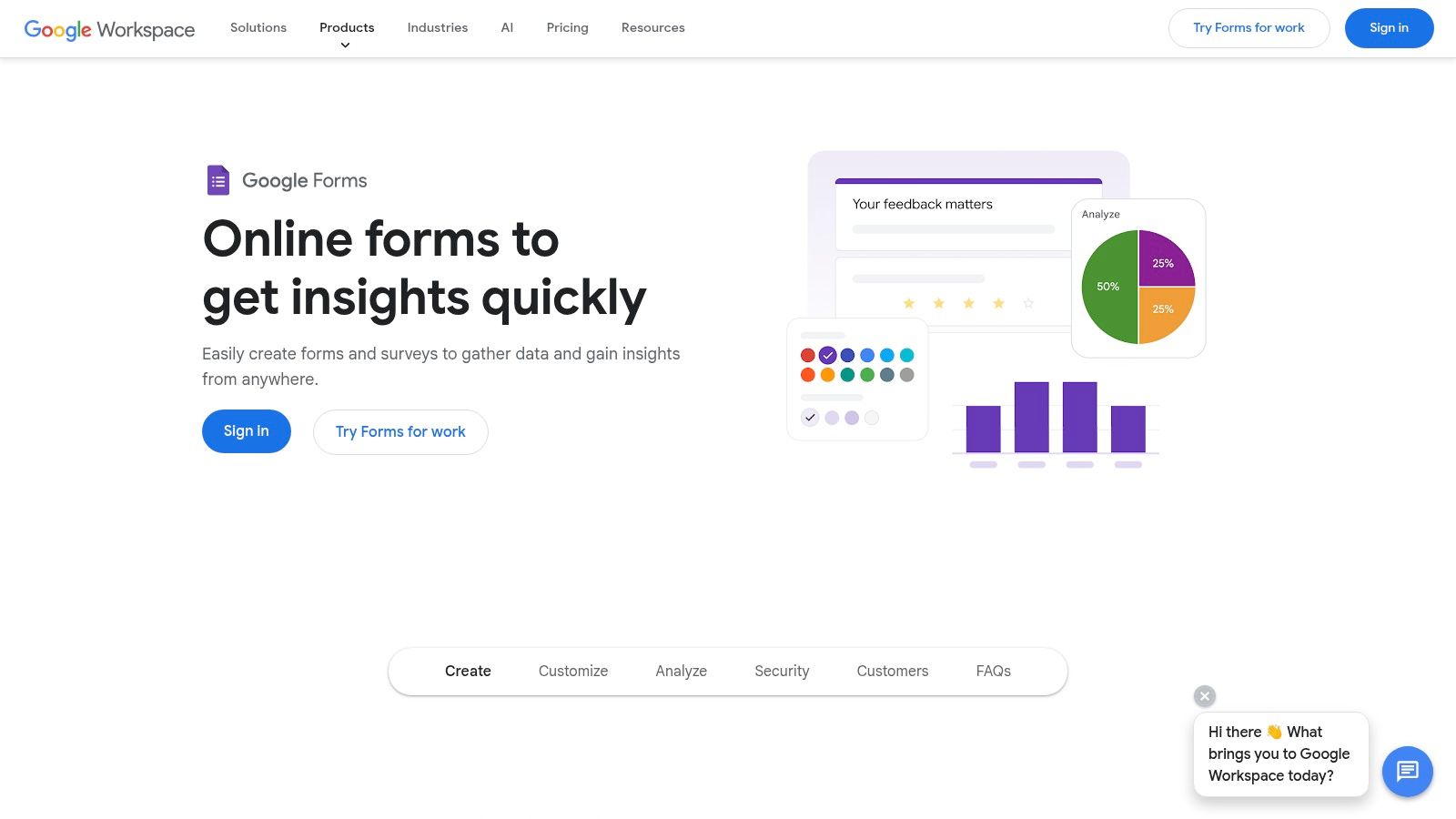
The platform includes a gallery of pre-built templates, with several useful feedback form examples for customer satisfaction, event feedback, and general suggestions. While its customization options are more basic than specialized builders, you can still add your logo and adjust colors to maintain some brand consistency. The real power for e-commerce brands is the automatic data pipeline into Google Sheets, which turns responses into a structured dataset ready for analysis.
Key Features & Benefits
Google Forms is designed for speed and efficiency, especially for teams that prioritize function over elaborate design. The learning curve is virtually nonexistent for anyone familiar with Google's suite of products.
- Seamless Google Sheets Integration: All form responses are instantly and automatically populated in a linked Google Sheet. This creates a live database of your feedback, which is perfect for sorting, filtering, and performing deeper analysis.
- Basic Conditional Logic: You can use "Go to section based on answer" logic to create simple branching paths. This allows you to guide users to relevant follow-up questions based on their initial responses, making the form feel more responsive.
- Free and Accessible: As part of Google Workspace, Google Forms is completely free to use. This makes it an ideal starting point for new e-commerce stores or for collecting feedback on a small scale without any financial investment.
- Easy Sharing and Embedding: Forms can be shared via a direct link, sent in an email, or embedded into your website using a simple HTML iframe. This flexibility ensures you can reach customers wherever they are.
Strategic Insight: The primary advantage of Google Forms for a growing e-commerce store is its role as a free, central data collection hub. By linking a form to a Google Sheet, you can then use a tool like Zapier to trigger actions in other applications (like creating a ticket in your helpdesk or adding a tag to a customer in your CRM) whenever a new row is added, creating a surprisingly powerful, automated feedback loop on a budget.
Practical Tips for E-commerce
To maximize the utility of Google Forms, focus on its data-handling strengths. Use it for straightforward post-purchase satisfaction surveys or to gather feedback on a new product feature. Connect the resulting Google Sheet to Mailo AI to automate the process of analyzing open-ended text responses. This allows you to extract valuable insights, sentiment, and key themes from qualitative feedback without manual effort, turning a simple form into a powerful customer intelligence tool.
Pricing & Access
Google Forms is completely free for anyone with a Google account. It is also included as a core part of all Google Workspace plans for businesses, with no limits on the number of forms or responses you can collect.
| Plan Tier | Key Features | Best For |
|---|---|---|
| Free (Personal Google Account) | Unlimited forms & responses, Google Sheets integration | Individuals, solopreneurs, and small-scale testing |
| Google Workspace (Business) | All free features plus enhanced security & admin controls | Businesses of any size using the Google ecosystem |
The lack of a pricing barrier makes Google Forms an unbeatable option for gathering essential feedback without impacting your operational budget, especially for internal team surveys or initial customer discovery.
- Website: https://www.google.com/forms/about/
5. Microsoft Forms (via Microsoft Create)
For e-commerce businesses already embedded in the Microsoft 365 ecosystem, Microsoft Forms offers a highly practical and streamlined solution for gathering customer feedback. Integrated within the Microsoft Create portal, it provides a straightforward, no-frills approach to form building that prioritizes function and data integration. Its primary advantage is its seamless connection with other Microsoft apps, particularly Excel, making it incredibly efficient for teams that live in spreadsheets and other Office tools.
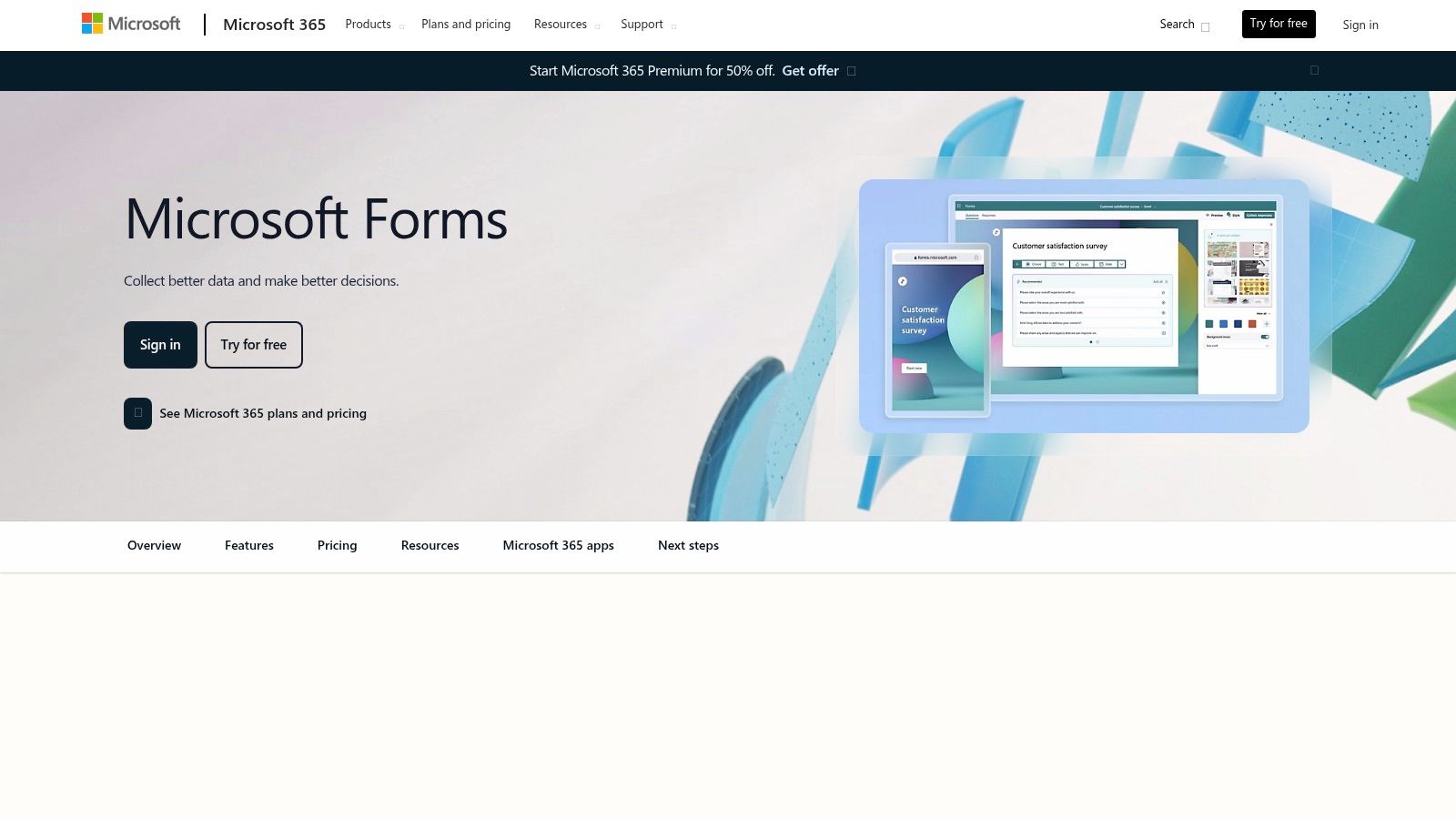
While it may not have the stylistic flair of its design-focused competitors, Microsoft Forms provides a gallery of ready-to-use feedback form examples that cover essential scenarios like customer satisfaction, event feedback, and general suggestions. The familiar, user-friendly interface allows for quick customization, enabling Shopify store owners to deploy a functional feedback mechanism without a steep learning curve or additional software costs.
Key Features & Benefits
Microsoft Forms' core strength is its native integration and simplicity, making it a powerhouse for internal efficiency and straightforward data collection.
- Seamless Excel Integration: All responses can be opened and analyzed in Excel with a single click. This allows for powerful data sorting, filtering, and visualization, turning raw feedback into actionable business intelligence without complex data exports.
- Familiar Office UI: The form builder's interface is intuitive for anyone who has used Microsoft Office applications, significantly reducing the time it takes to create and launch a new survey.
- Responsive Design: Forms are automatically optimized for any device, ensuring a consistent and accessible experience for customers whether they are on a desktop, tablet, or mobile phone.
- Template Gallery: The revamped portal on Microsoft Create offers a well-organized collection of templates, providing a solid foundation for building common feedback forms quickly.
Strategic Insight: The key value proposition for e-commerce brands is the direct data pipeline into Excel. This allows for sophisticated, long-term analysis. You can easily track NPS or CSAT scores over time, pivot data by product, or cross-reference feedback with sales data you've exported from Shopify, all within a familiar environment.
Practical Tips for E-commerce
To leverage Microsoft Forms effectively, focus on its data-handling strengths. Use a customer satisfaction template to collect post-purchase feedback and schedule a recurring task to review the Excel export weekly. This creates a simple but powerful closed-loop system. While direct automation with tools like Mailo AI requires a go-between like Power Automate or Zapier, you can still manually export insights to inform your AI-driven customer support responses and knowledge base updates.
Pricing & Access
Microsoft Forms is included with most Microsoft 365 subscriptions, making it a cost-effective choice for many businesses.
| Plan Tier | Key Features | Best For |
|---|---|---|
| Microsoft 365 Personal/Family | Included with subscription | Personal projects or very small businesses |
| Microsoft 365 Business Plans | Unlimited forms and responses | SMBs using the Microsoft ecosystem |
| Microsoft 365 Enterprise Plans | Advanced features and security | Larger organizations with compliance needs |
The primary barrier to entry is the need for a Microsoft 365 subscription. However, for the millions of businesses already using Office, it represents an accessible and powerful tool with no additional per-response fees.
6. Paperform
Paperform positions itself as a versatile "digital Swiss Army knife," blending beautiful form design with powerful business logic. For e-commerce stores, it offers a flexible solution that goes beyond simple surveys, allowing brands to create polished, on-brand feedback forms, payment pages, and booking systems all within one platform. This versatility makes it an excellent choice for direct-to-consumer (DTC) brands looking to consolidate tools and maintain a consistent brand experience.
Paperform provides a rich library of ready-to-use templates for customer, service, client, and employee feedback. What sets it apart is its deep customization and a free-text editor that feels more like designing a landing page than building a form. This gives stores granular control over the look and feel, ensuring every feedback form example aligns perfectly with their brand identity.
Key Features & Benefits
Paperform’s strength lies in its balance of aesthetic control and robust functionality, making it a powerful tool for growing e-commerce businesses that need more than just a basic form builder.
- Advanced Styling & Branding: With a free-text editing interface, you can add images, videos, and styled text anywhere on the form. Higher-tier plans even allow custom CSS for pixel-perfect branding.
- Flexible Layouts: Choose between a traditional static form or "Guided Mode," which presents one question at a time. This allows you to tailor the user experience to the complexity of your feedback request.
- Powerful Conditional Logic: Create smart, dynamic forms that show or hide questions, redirect users, or trigger actions based on their answers. This is ideal for segmenting feedback from different customer groups.
- Extensive Integrations: With over 2,000 integrations via Zapier, Make, and direct connections, you can easily send feedback data to your CRM, email marketing platform, or project management tools.
Strategic Insight: Paperform's unique editor allows you to embed forms that feel like a native part of your website, not a third-party add-on. For e-commerce, this means you can create a post-purchase feedback page directly on your domain that maintains brand trust and provides a frictionless user experience, which is key to collecting honest insights.
Practical Tips for E-commerce
Leverage Paperform’s versatility by combining feedback collection with other actions. For instance, create a product return form that uses conditional logic: if a customer selects "damaged item" as the reason, the form can automatically ask for a photo upload and provide shipping instructions. If they select "wrong size," it could offer a direct link to book an exchange appointment. By connecting Paperform to Mailo AI, you can automatically tag and categorize these submissions, helping you identify trends in product issues or sizing problems without manual analysis.
Pricing & Access
Paperform’s pricing is structured to support businesses as they scale, with more features and higher submission volumes available on upper tiers.
| Plan Tier | Key Features | Best For |
|---|---|---|
| Essentials | 1,000 submissions/mo, 10,000 form views | New businesses and simple feedback forms |
| Pro | Unlimited submissions, advanced calculations | Growing stores needing more design control |
| Agency | Unlimited submissions, custom domains, user permissions | Larger brands or agencies managing clients |
While there is no free plan, the Essentials tier offers a generous starting point for many e-commerce stores, and the unlimited submissions on the Pro plan provide excellent value for high-volume feedback campaigns.
7. POWR: Form Builder (Shopify App Store)
POWR Form Builder stands out in the Shopify ecosystem as a tool designed specifically for merchants. Its deep integration with the Shopify platform allows for seamless deployment of feedback forms directly onto your storefront, product pages, or post-purchase follow-ups. This native approach ensures a consistent user experience and simplifies data collection at crucial touchpoints in the customer journey.
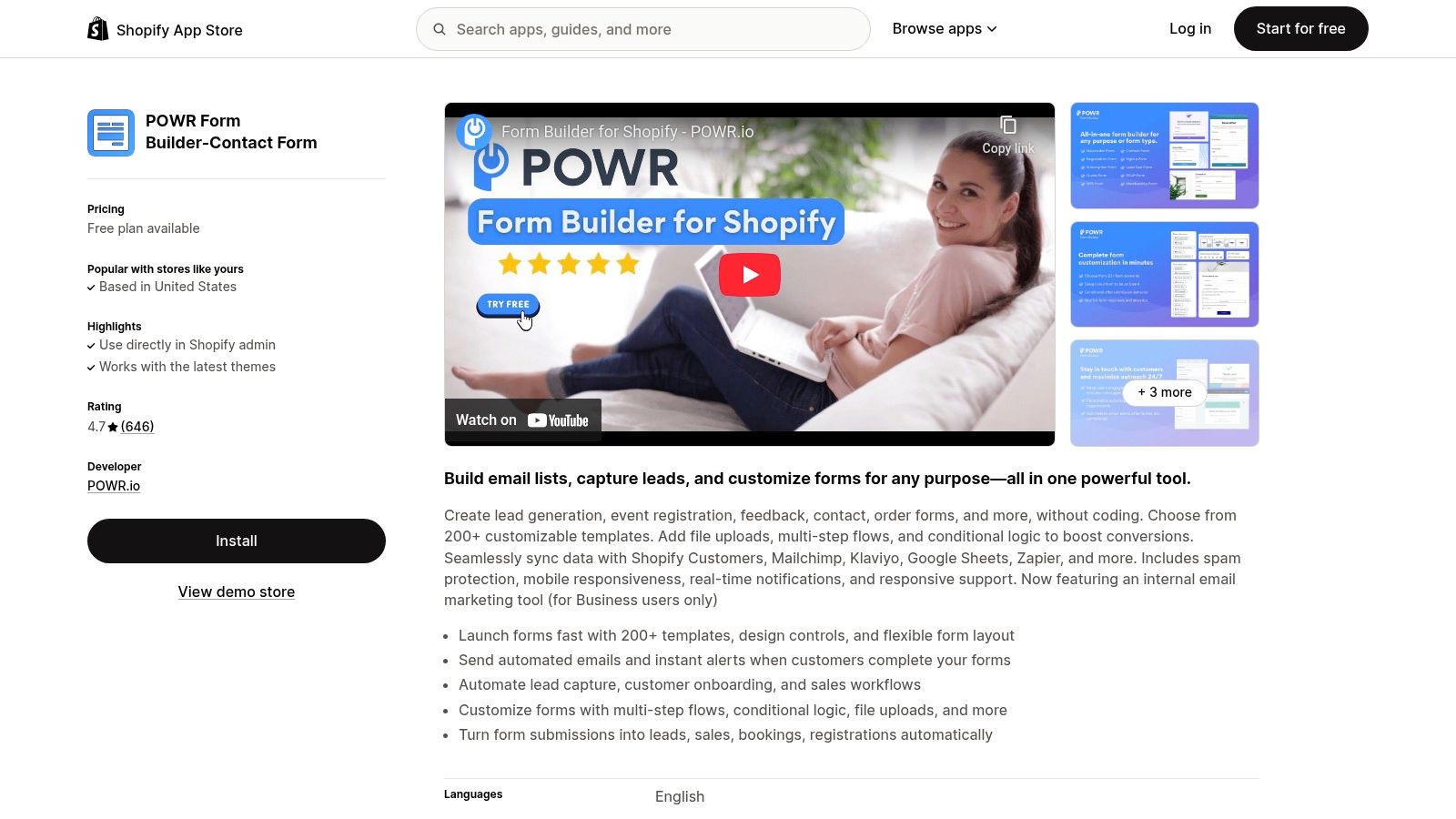
With over 200 customizable templates, POWR provides a solid foundation for various e-commerce scenarios. You can quickly find and adapt feedback form examples for returns processing, product reviews, general inquiries, and post-purchase satisfaction. The builder is user-friendly, allowing you to match forms to your brand's aesthetic without needing to write any code, making it highly accessible for busy store owners.
Key Features & Benefits
POWR’s main advantage is its focus on the Shopify merchant, offering features that directly support e-commerce operations. It balances ease of use with enough power to handle essential feedback collection.
- Shopify-Native Experience: As a Shopify App, it integrates directly with your store and customer data, allowing for quick setup and deployment.
- Purpose-Built Templates: Access a wide range of forms designed for e-commerce, such as returns, complaints, and post-purchase surveys, saving you setup time.
- Conditional Logic: Create multi-step, dynamic forms that ask relevant follow-up questions based on a customer's previous answers, improving the quality of the feedback collected.
- Key Integrations: Sync responses to essential marketing and analytics tools like Klaviyo, Mailchimp, HubSpot, and Google Sheets to create a unified data workflow.
Strategic Insight: Use POWR's real-time notifications to create a rapid-response system for negative feedback. By setting up an alert that triggers when a customer submits a complaint or a low rating, your support team can intervene immediately, turning a potentially poor experience into a positive one.
Practical Tips for E-commerce
To maximize POWR's value, embed its forms at key decision-making or post-interaction moments. For instance, place a simple "Was this helpful?" form at the end of your FAQ pages or a detailed returns form directly within your customer account portal. By connecting POWR to Mailo AI, you can automate the categorization and analysis of open-ended feedback, helping you understand how to measure customer service performance without manual effort.
Pricing & Access
POWR offers several pricing tiers, including a free plan that is perfect for testing the core functionality on a small scale.
| Plan Tier | Key Features | Best For |
|---|---|---|
| Free | 6 form fields, 25 monthly submissions | New stores or testing basic form functionality |
| Starter | Up to 10 form fields, 100 monthly submissions | Growing stores needing slightly more capacity |
| Pro | Up to 25 fields, 1,000 monthly submissions | Businesses focused on regular feedback collection |
| Business | Unlimited fields, 10,000 monthly submissions | High-volume stores needing robust data capture |
While the submission and field limits on the free and starter plans can be restrictive for established stores, the paid plans provide the necessary scale for a comprehensive feedback strategy.
Top 7 Feedback Form Tools Comparison
| Tool | 🔄 Implementation complexity | ⚡ Resource requirements | 📊 Expected outcomes / impact | 💡 Ideal use cases | ⭐ Key advantages |
|---|---|---|---|---|---|
| Typeform | Medium — guided one-question UX with conditional logic | Moderate — paid tiers for scale; many integrations | High completion rates; polished respondent experience | Ecommerce & CX teams needing branded feedback and data flow | Polished UX, strong integrations, robust logic |
| Jotform | Low — drag-and-drop builder; clone templates quickly | Low–Moderate — good free tier; pay to remove limits or add HIPAA | Fast deployment; broad template coverage | Quick launches, niche forms, healthcare (HIPAA option) | Very fast to start; large widget/integration ecosystem |
| SurveyMonkey | Medium–High — advanced collectors, AI creation, analytics | Moderate–High — paid plans for full analytics and governance | Deep reporting and text analysis; scalable insights for teams | Enterprise CX, research, stakeholder reporting at scale | Extensive certified templates; powerful analytics |
| Google Forms | Low — simple builder with basic branching | Minimal — free; seamless Google Sheets export | Basic summaries and charts; manual deeper analysis | Internal pulses, simple customer feedback, Google Workspace users | Free, zero setup, tight Google Workspace integration |
| Microsoft Forms | Low–Medium — familiar Office UI; template gallery | Minimal–Moderate — included in many M365 plans; Excel export | Quick internal results; Excel-ready data for analysis | Organizations on Microsoft 365; internal surveys and quizzes | Integrated with M365; easy Excel reporting |
| Paperform | Medium — multi-step forms, advanced logic, payments support | Moderate — paid tiers for custom domains/CSS and higher usage | High-quality branded responses; supports payments/bookings | DTC brands, marketing campaigns, bookings and payments | Strong design control; flexible use cases and integrations |
| POWR: Form Builder (Shopify) | Low–Medium — app-based; Shopify storefront deployment | Low–Moderate — free plan available; Shopify required | Good in-flow ecommerce feedback capture; real-time notifications | Shopify merchants capturing post-purchase, returns, support feedback | Purpose-built for Shopify; fast storefront publish and sync to marketing tools |
From Data Collection to Business Growth: Your Next Steps
We've journeyed through a comprehensive collection of feedback form examples, dissecting everything from post-purchase surveys using Typeform to simple, effective contact forms built with Google Forms. Each example, whether it's a sophisticated multi-page survey from SurveyMonkey or a visually engaging Paperform creation, serves a unique purpose in the e-commerce customer lifecycle. The core lesson is clear: feedback is not a monolithic entity. It's a spectrum of insights waiting to be captured at specific, high-impact touchpoints.
The strategic power lies not just in asking questions, but in asking the right questions at the right time. A well-placed cart abandonment survey can recover thousands in lost revenue, while a net promoter score (NPS) form can become your north star for measuring long-term customer loyalty. The templates and best practices we've explored provide the blueprint, but your unique business goals will determine which ones to prioritize.
Synthesizing Insights into Action
The true transformation begins when you shift your mindset from passive data collection to creating an active, automated feedback loop. Simply gathering responses that sit in a spreadsheet is a missed opportunity. The goal is to turn every piece of customer feedback, positive or negative, into a catalyst for improvement.
Here are the most critical takeaways to implement immediately:
- Start Small, Aim for Impact: Don't try to implement all seven types of forms at once. Identify your biggest pain point right now. Is it a high rate of product returns? Start with a product feedback form. Are you struggling with repeat purchases? Implement a post-purchase experience survey. Focus on one area, master the data collection, and then expand.
- Context is Everything: The success of your feedback form hinges on its context. A pop-up survey that appears at the wrong time will be ignored. An email sent too long after a purchase will be irrelevant. Align your form's trigger with the specific customer action you want to understand.
- Close the Loop: Customers who take the time to give you feedback expect to be heard. This is where automation becomes non-negotiable. Whether it's a simple "Thank you" email or a more complex workflow, acknowledging the submission is the first step in building a stronger relationship. Responding to criticism is just as important; after effectively collecting feedback, a critical next step for business growth is to learn how to deal with bad reviews effectively, transforming challenges into growth opportunities.
Choosing Your Toolkit and Building Your System
Selecting the right form builder depends on your specific needs. For those just starting, Google Forms or Microsoft Forms offer a no-cost entry point. For brands focused on high-quality user experience and brand consistency, tools like Typeform and Paperform are excellent investments. Shopify-native apps like POWR provide seamless integration directly within your store's ecosystem.
Regardless of the tool you choose, the ultimate goal is integration. How does this data connect to your help desk, your email marketing platform, or your CRM? This is where the magic happens. By connecting your forms to an intelligent automation platform like Mailo AI, you can instantly analyze sentiment, tag customers based on their responses, and trigger personalized follow-up sequences.
Imagine a customer leaves negative feedback about shipping. An automated system can immediately create a support ticket, tag the customer as "at-risk," and send a personalized apology with a discount code for their next purchase. This turns a potentially brand-damaging experience into a moment of recovery and retention. The feedback form examples we've covered are your data collection engine; automation is the high-performance transmission that drives your business forward.
Ready to turn your feedback into your most powerful growth engine? MAILO AI integrates with your favorite form builders and your help desk to automatically analyze, tag, and act on every piece of customer feedback. Stop manually sorting through responses and start building an intelligent, automated system that drives customer loyalty and improves your bottom line. Discover what's possible with MAILO AI today.