

The first thing customers see after opening your email isn’t the body copy or the call to action, it’s the header. This critical, above-the-fold space sets the tone, reinforces your brand identity, and guides the reader’s next step. For busy Shopify stores and support teams, a well-designed header is often the difference between an email that gets read and one that is instantly archived. A poorly optimized visual header can also impact deliverability and load times. To ensure your stunning designs don’t get clipped or load slowly, it's vital to understand the nuances of email attachment size limits and keep your image files optimized.
This guide moves beyond generic advice and breaks down high-performing email header examples tailored for specific e-commerce scenarios. We will analyze why each example works for different email types, from automated order updates and support replies to promotional campaigns and review requests. For each example, you’ll find actionable takeaways and see how you can generate and automate your header strategy with tools like Mailo AI. This curated list is designed to help you find the best inspiration and platforms to ensure every email you send makes a brilliant and effective first impression.
1. Really Good Emails
Really Good Emails is less of a tool and more of an indispensable library. It serves as a massive, curated gallery of over 15,000 real-world email examples from top brands, making it the ultimate starting point for inspiration. For Shopify stores and support teams, it’s the best place to benchmark what successful companies are doing with their email headers, from promotional campaigns to transactional updates.
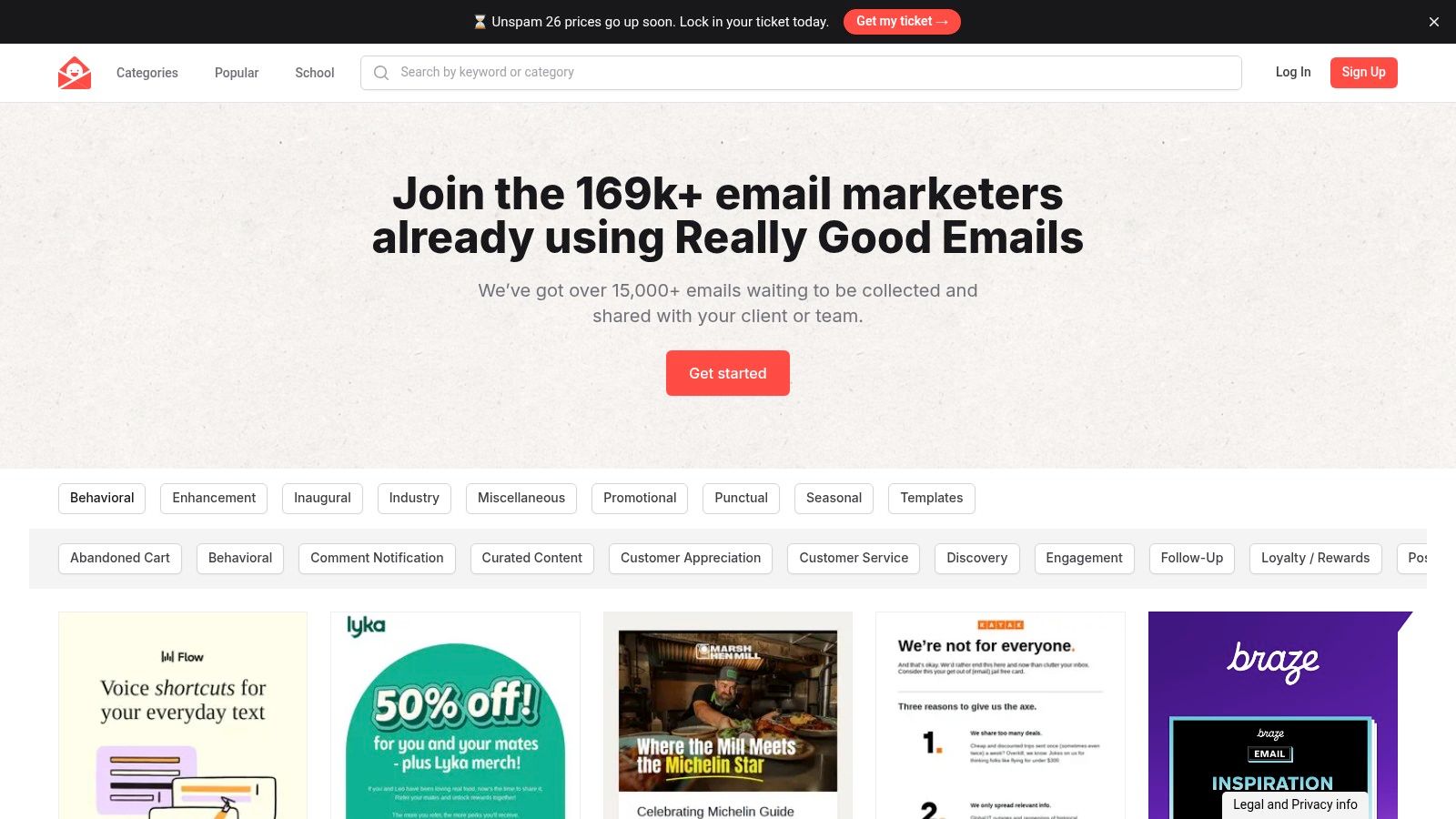
The platform’s power lies in its robust filtering system. You can easily search for "order confirmation" or "welcome email" to find relevant email header examples tailored to your specific need. This focused approach saves you from generic design templates and shows you what’s currently resonating with audiences in your niche.
Why It’s a Top Resource
What makes Really Good Emails unique is its focus on real, deployed campaigns. Instead of abstract templates, you see the exact headers, copy, and layouts that brands like Nike, Everlane, and smaller DTC startups are using to engage customers. Many examples also include the ability to view the raw HTML, which is a valuable resource for developers or teams looking to replicate a specific structure. Since being acquired by Beefree, access to its powerful collection and organization features is completely free.
Strategic Takeaway: Use Really Good Emails not just for visual ideas, but to analyze header copy and snippet text. Look at how top brands create urgency, confirm actions, or provide support information right from the first glance. A well-crafted header sets the tone for the entire message; for more insights on this, you can explore our guide on proper email etiquette for support teams.
- Best For: Inspiration, competitive analysis, and finding proven design patterns.
- Pros: The largest collection of real email examples, powerful filtering, and free access.
- Cons: It's a showcase, not a builder; you must create the designs in another tool. The provided HTML might need tweaks to ensure cross-client compatibility.
Website: https://reallygoodemails.com
2. Stripo
Stripo is a powerful hybrid email builder that combines a user-friendly, no-code drag-and-drop editor with full HTML code access. For Shopify stores needing to create, test, and deploy email headers quickly, Stripo offers a massive library of pre-built templates and reusable modules. It excels at helping teams maintain brand consistency across all communications, from marketing blasts to critical support responses.
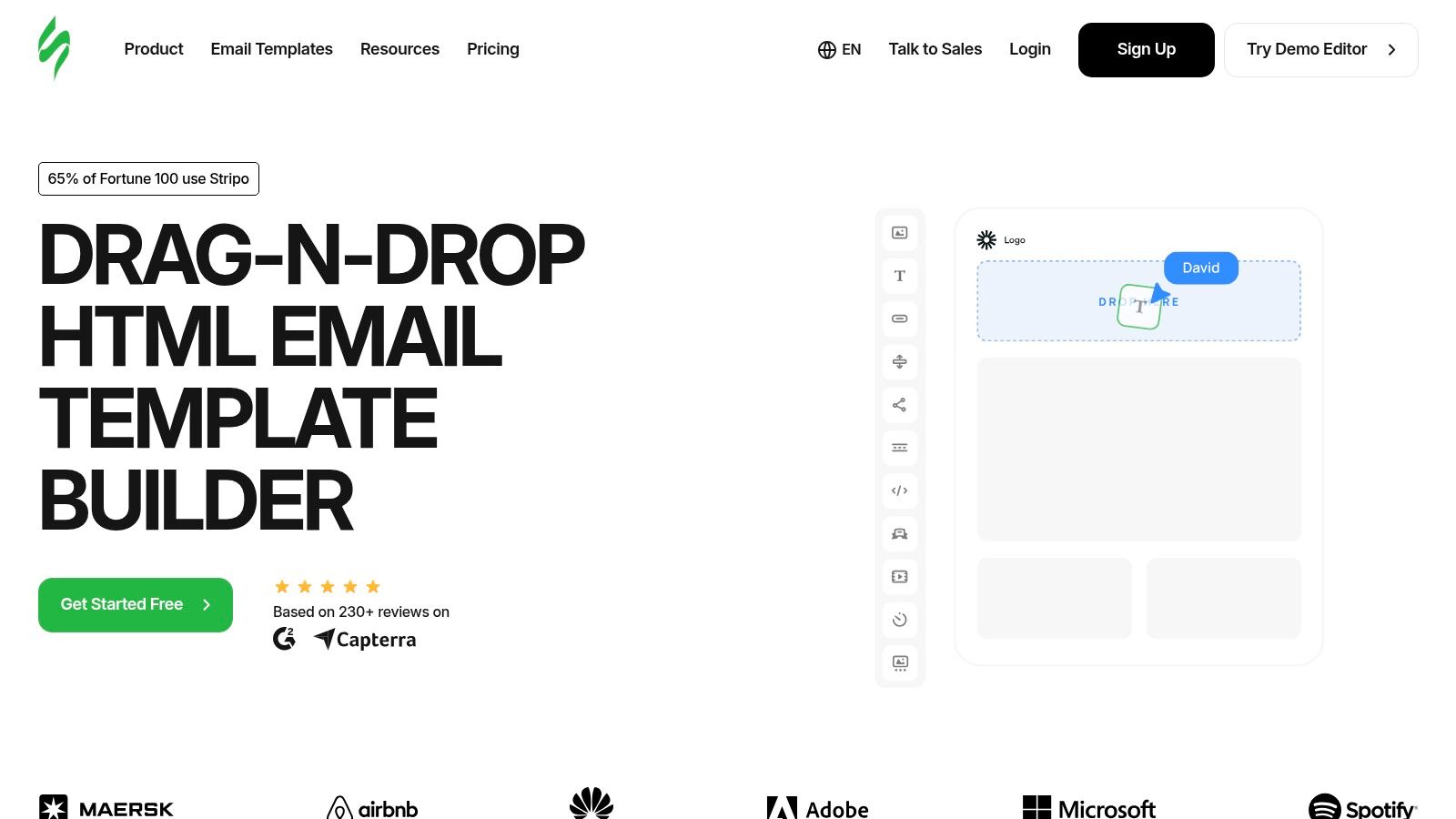
The platform’s core strength is its modular design system. You can create a perfectly branded header block, save it to your personal library, and then drag it into any future email. This system includes a banner generator for creating custom visuals on the fly and provides granular control over mobile responsiveness, ensuring your email header examples look great on any device.
Why It’s a Top Resource
What sets Stripo apart is its versatility and seamless integration with existing workflows. Instead of being locked into one ecosystem, you can design your email headers and templates in Stripo and then export the clean HTML to over 70 major Email Service Providers (ESPs), including Klaviyo, Mailchimp, and Shopify Email. This makes it an ideal central design hub for teams using multiple tools. The ability to switch between visual and HTML editing empowers both designers and developers to collaborate effectively.
Strategic Takeaway: Use Stripo’s modular blocks to create and save a set of pre-approved headers for different scenarios like "Order Shipped," "Support Ticket Update," and "Weekend Sale." This ensures brand consistency and drastically cuts down on email creation time for your support and marketing teams, allowing them to focus on the message instead of the design.
- Best For: Building reusable, on-brand headers and exporting them to your existing ESP.
- Pros: Fast creation with modular blocks, strong export and integration capabilities, and a great balance between no-code and HTML editing.
- Cons: The free plan has significant limits on exports, tests, and stored templates. Advanced features like image hosting and built-in AI tools are gated behind higher-priced plans.
Website: https://stripo.email
3. Klaviyo Template Library
For Shopify stores, Klaviyo is more than just an email service provider; it's the central hub for customer communication. Its built-in Template Library is a treasure trove of actionable designs, moving beyond inspiration to provide ready-to-use layouts for campaigns and automated flows. This makes it an essential resource for support teams and marketers who need to quickly deploy professional-looking emails with effective headers for everything from abandoned carts to shipping confirmations.
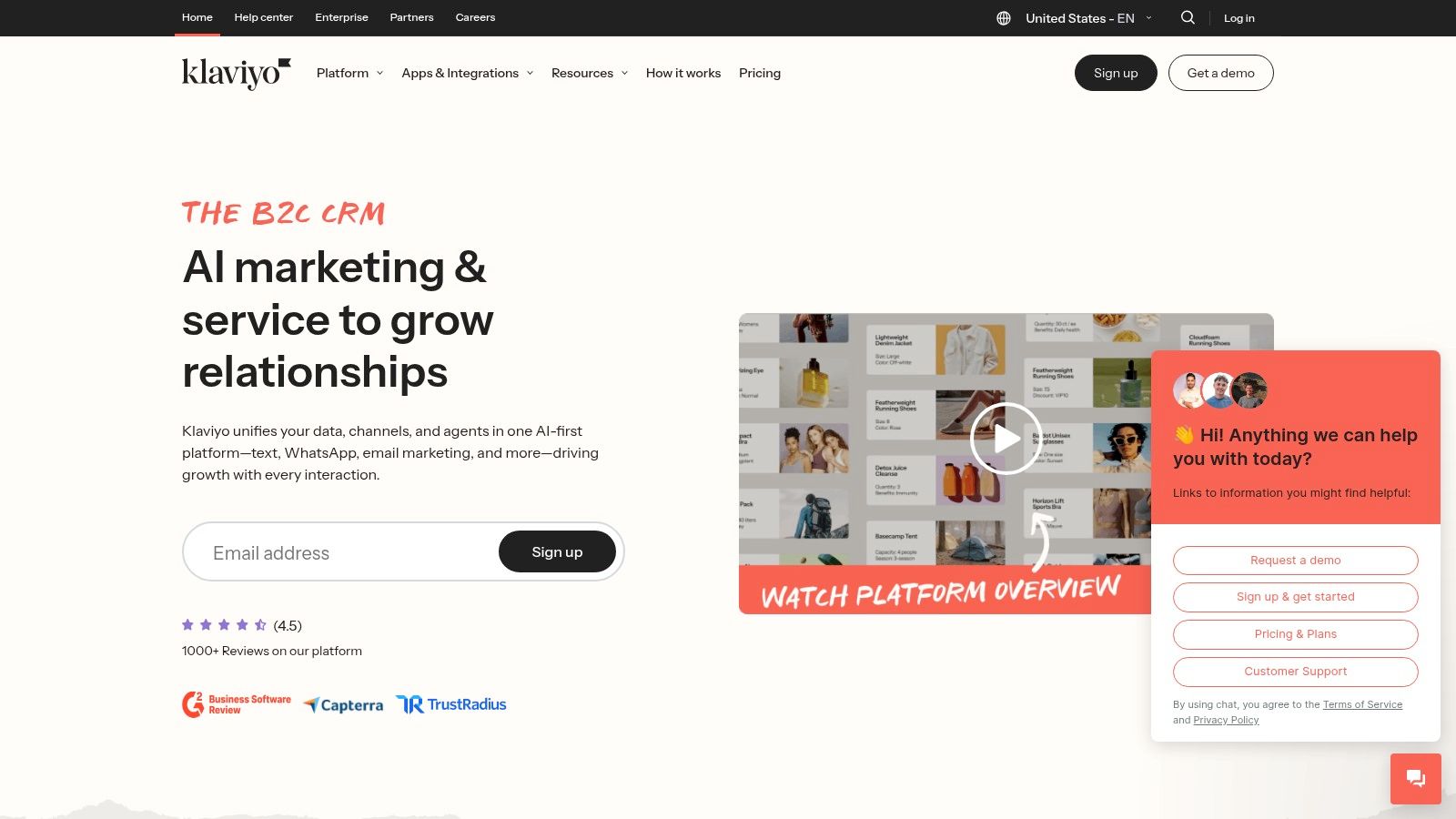
The library is accessible directly within the Klaviyo platform (under Content > Templates) and features a wide range of basic and themed templates, including many created by partner agencies. Users can filter by layout, style, and seasonal events to find the perfect starting point. These templates are not just static images; they are fully editable with Klaviyo's drag-and-drop builder, allowing teams to customize the email header examples with their own branding, logos, and copy.
Why It’s a Top Resource
What makes the Klaviyo Template Library so powerful is its direct integration with your ecommerce data and workflows. You can select a template, customize its header for a "Welcome Series" flow, and have it running in minutes. The designs are built with ecommerce best practices in mind, ensuring they are mobile-responsive and optimized for conversion. For support teams, this means having pre-built templates for common inquiries that maintain brand consistency and clarity.
Strategic Takeaway: Use Klaviyo's templates as a baseline for your automated flows. Customize the headers for each specific touchpoint in the customer journey, from post-purchase follow-ups to review requests. A consistent yet context-specific header design reinforces brand trust and guides the customer seamlessly. To dive deeper into this, explore our insights on ecommerce marketing automation.
- Best For: Shopify stores needing actionable, ready-to-use templates for campaigns and flows.
- Pros: Native to a leading ecommerce ESP, directly actionable templates, and seamless workflow integration.
- Cons: Requires a Klaviyo account to access, and the library is primarily an in-app resource rather than a publicly browsable website.
Website: https://www.klaviyo.com
4. Envato Elements
Envato Elements is an all-in-one creative subscription service perfect for teams that need more than just inspiration. Instead of being a gallery, it’s a massive marketplace offering unlimited downloads of millions of digital assets, including a vast library of email newsletter templates, hero graphics, and other design elements that can be used to create stunning email headers. For a Shopify store, this means having a single source for everything from a promotional banner to a transactional email’s underlying HTML structure.
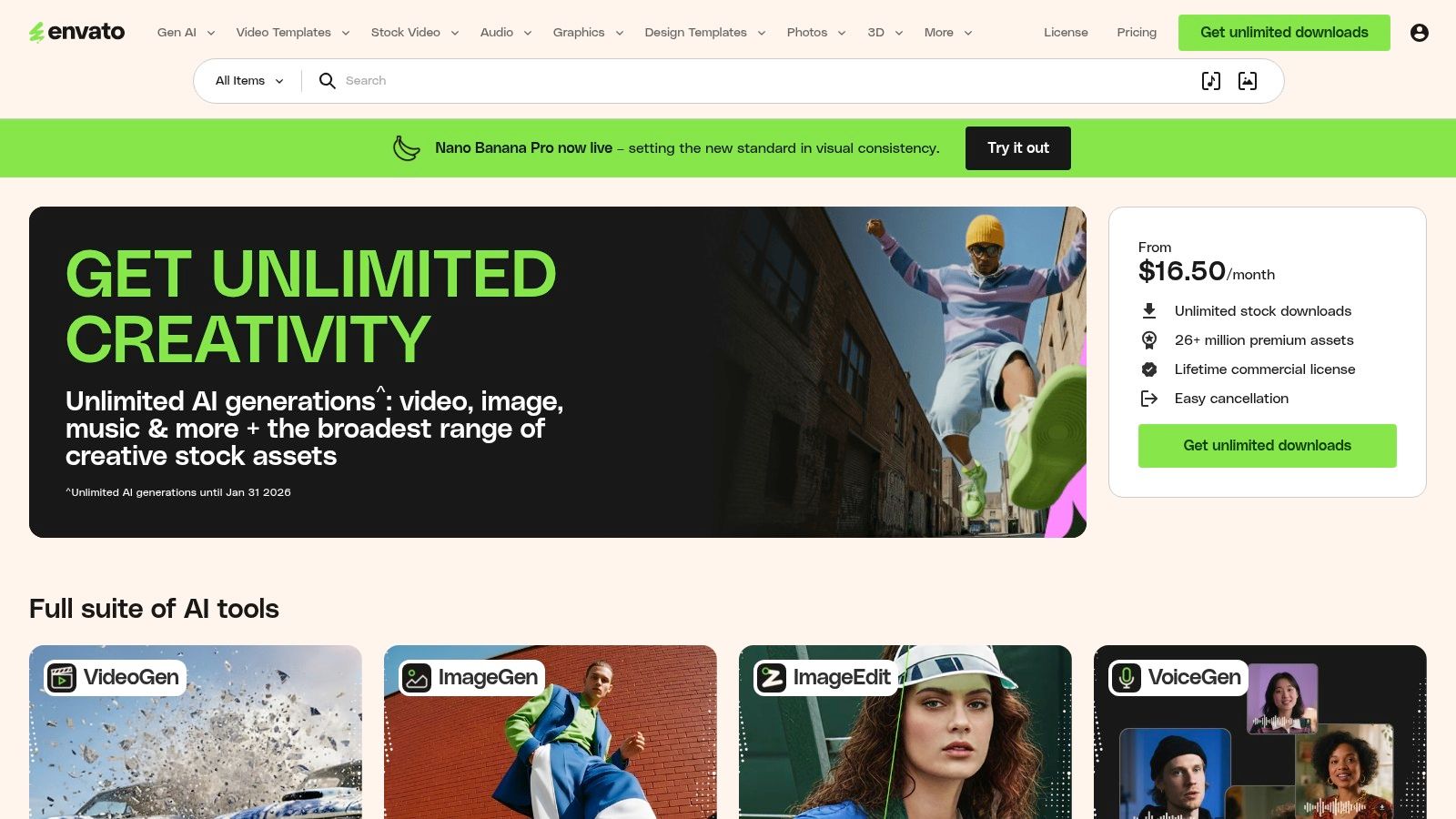
The platform’s value lies in its comprehensive offering. You can find fully coded HTML email templates that provide a solid foundation for your campaigns, as well as high-quality graphics and images specifically designed for email headers. This allows support and marketing teams to quickly source and implement professional-looking email header examples without needing extensive design or coding skills from scratch.
Why It’s a Top Resource
What sets Envato Elements apart is its subscription model, which provides incredible value for teams that frequently need creative assets. A single monthly fee grants access to everything, governed by a simple commercial license that covers most use cases. This is especially useful for e-commerce businesses that need to create fresh header designs for seasonal promotions, new product launches, or special support announcements. You can download a template, grab a matching hero image, and even find UI kits to ensure brand consistency across all customer touchpoints.
Strategic Takeaway: Use Envato Elements to create a repository of pre-approved header templates for different scenarios (e.g., "order delayed," "review request," "holiday sale"). This allows your team to maintain brand consistency and speed up campaign creation, ensuring even urgent support communications look professional.
- Best For: Teams needing ready-to-use HTML templates and a wide range of creative assets.
- Pros: Cost-effective subscription for unlimited downloads, a one-stop source for templates and header imagery.
- Cons: Requires an ongoing subscription for access, and some HTML templates may need testing and modification for full compatibility across all email clients.
Website: https://elements.envato.com
5. Canva
Canva is a powerhouse for non-designers, offering an incredibly user-friendly platform to create professional-looking graphics. For Shopify stores needing quick, branded visuals for their emails, Canva provides a dedicated ‘Email Header’ format with thousands of customizable templates. It’s the ideal solution for producing beautiful header imagery that can be exported and dropped directly into any Email Service Provider (ESP).
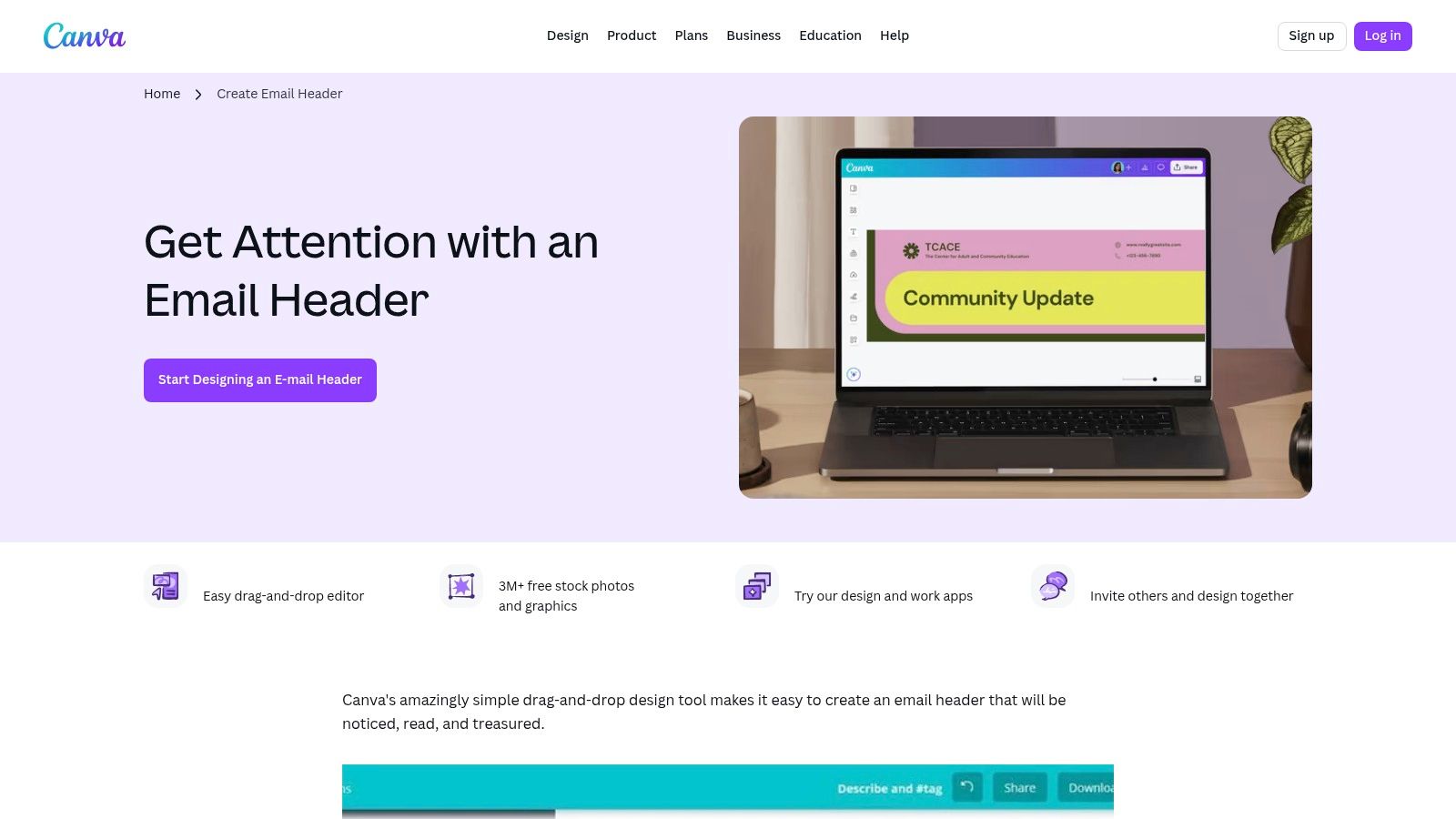
The platform's strength is its simplicity and vast asset library. With its drag-and-drop editor, you can customize templates with your brand’s logo, colors, and fonts in minutes. This makes it easy to create consistent email header examples for various campaigns, from holiday promotions to new product announcements, without needing any graphic design experience.
Why It’s a Top Resource
What sets Canva apart is its accessibility and speed. It democratizes design, allowing support teams or marketers to quickly generate on-brand assets without relying on a design team. The process is straightforward: choose a template, customize it, and export the final image (usually as a PNG or JPG). This file can then be uploaded into Klaviyo, Mailchimp, or any other email tool, making it a versatile part of your workflow. While a free version is available, Canva Pro offers access to premium stock photos, elements, and brand kit features.
Strategic Takeaway: Use Canva to create a modular set of header graphics for different email types (e.g., support confirmations, promotional sales, welcome messages). A visually distinct header immediately tells the subscriber the purpose of the email, improving clarity and engagement before they even read the first line of text.
- Best For: Creating branded header graphics quickly without a designer.
- Pros: Massive library of templates, simple drag-and-drop editor, and easy export workflows.
- Cons: Outputs are static images, not responsive HTML. Some of the best assets and templates require a paid Canva Pro subscription.
Website: https://www.canva.com/create/email-headers/
6. Designmodo Postcards
Designmodo Postcards is a sophisticated drag-and-drop email builder that excels at creating modular, reusable email components. For Shopify stores and support teams, its primary advantage is the ability to design and save consistent header modules that can be quickly deployed across all communications, from marketing blasts to transactional notifications. This ensures brand consistency with minimal effort.
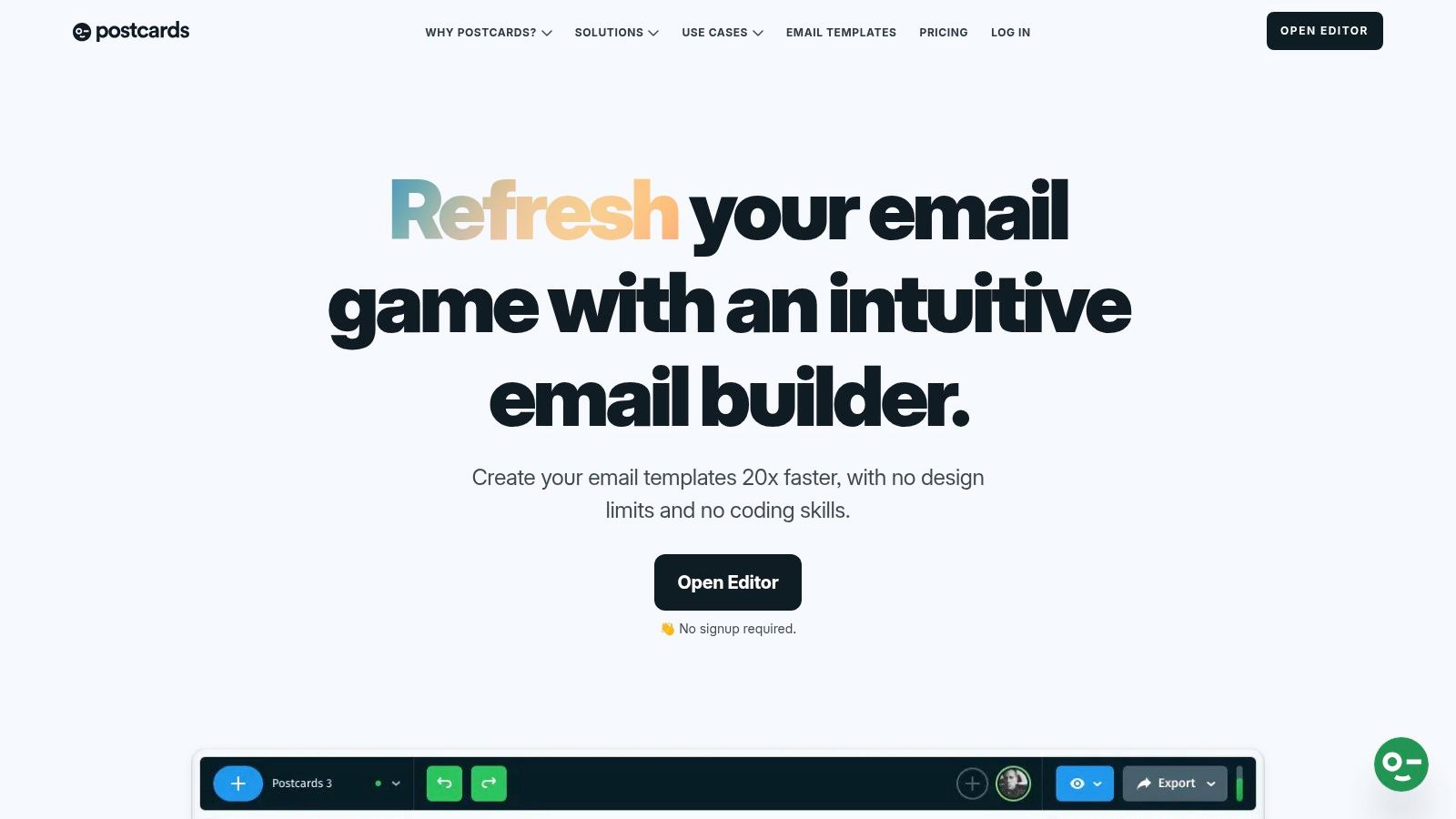
The platform offers a wide variety of pre-made header modules that serve as excellent starting points. You can customize them with your brand’s logo, navigation links, and color scheme, then save them as reusable blocks. The clean HTML export feature is a major benefit, as it generates professional, mobile-responsive code that integrates seamlessly with major ESPs like Klaviyo.
Why It’s a Top Resource
What sets Postcards apart is its focus on producing high-quality, developer-friendly HTML. While other builders can generate messy or bloated code, Postcards prioritizes clean, editable output. This makes it a fantastic tool for teams that need more control than a standard ESP editor allows but don't want to code every email from scratch. Its features like image hosting, custom fonts, and collaboration tools streamline the entire design-to-send workflow.
Strategic Takeaway: Use Postcards to create a master header template for your brand. Include key navigation links (e.g., "Shop," "Help Center," "Track Order") directly in the header to improve user experience and reduce support tickets. A well-structured header acts as a mini-website menu, making your emails more functional. To ensure your header copy is just as professional, review our guide on how to write a business email.
- Best For: Creating modular, reusable, on-brand headers with clean HTML output.
- Pros: Very clean, editable HTML and mobile-friendly exports; fast to assemble on-brand headers with consistent modules.
- Cons: Best value is on paid tiers for unlimited exports and multiple editors; some learning curve if you only need a simple graphic header.
Website: https://designmodo.com/postcards/
7. Etsy (email/Canva template marketplace)
Etsy is a global marketplace known for handmade goods, but it's also a treasure trove for digital assets. For Shopify stores needing stylish, budget-friendly email headers without a recurring subscription, Etsy offers thousands of downloadable template packs from independent designers. These are typically sold as customizable Canva files, making it easy to create beautiful, on-brand headers in minutes.
The platform's strength lies in its sheer variety and one-off purchase model. You can find email header examples and templates for every conceivable campaign, from seasonal promotions and holiday sales to transactional updates like shipping notifications. Most listings bundle multiple design variations, giving you a cohesive set of assets for an entire marketing calendar for a single, low price.
Why It’s a Top Resource
What makes Etsy unique is its accessibility for teams without a dedicated graphic designer. The templates are built for easy customization in user-friendly tools like Canva, allowing you to drag-and-drop your logo, change colors, and update text quickly. This instant-delivery model is perfect for agile teams needing to launch a new campaign on short notice. For Etsy sellers looking for additional strategies to boost their online presence, you might find useful tips on our page covering strategies for Etsy sellers.
Strategic Takeaway: Use Etsy to quickly find and test different header aesthetics that align with specific campaigns. A Black Friday sale might need a bold, high-contrast header, while a welcome email may benefit from a softer, more brand-focused design. Since purchases are inexpensive, you can afford to experiment and find what resonates with your audience without a significant investment.
- Best For: One-off design needs, budget-conscious teams, and quick customization without design expertise.
- Pros: Highly affordable, one-time purchases with vast aesthetic diversity, and instant digital delivery for a fast turnaround.
- Cons: Quality can vary significantly by seller, so checking reviews is essential. Some templates may require a Canva Pro subscription to use all included assets.
Website: https://www.etsy.com/market/email_canva_template
7 Email Header Examples Comparison
| Tool / Source | Implementation complexity 🔄 | Resource requirements ⚡ | Expected quality ⭐ | Ideal use cases 💡 | Key advantages / impact 📊 |
|---|---|---|---|---|---|
| Really Good Emails | Low — browse-only; requires external build/adapt | Minimal cost (free); requires dev time to adapt HTML | High (⭐️⭐️⭐️⭐️) — real-brand examples | Benchmarking, inspiration, pattern discovery before build | Massive curated gallery; HTML samples & powerful filters |
| Stripo | Moderate — drag‑and‑drop + optional HTML editing | Freemium; exports/features limited on free plan | High (⭐️⭐️⭐️) — ready-to-export templates | Rapid header/template assembly and reusable modules | Fast creation, strong ESP export/integration workflow |
| Klaviyo Template Library | Low — in‑app templates with drag/drop or HTML | Requires Klaviyo account (platform cost applies) | Good (⭐️⭐️⭐️) — optimized for ecommerce flows | Shopify/ecommerce campaigns and automated flows | Native ESP templates; directly usable in campaigns/flows |
| Envato Elements | Low — download and adapt assets into emails | Subscription required for unlimited downloads | Variable (⭐️⭐️⭐️) — broad selection, quality varies | Teams or individuals needing many assets frequently | Cost-effective for heavy use; one-stop for templates & graphics |
| Canva | Very low — visual editor producing image headers | Free tier; Pro for premium assets/collaboration | Good for visuals (⭐️⭐️) — image-based headers only | Quick branded header graphics for non-developers | Fast, beginner-friendly templates and exports to ESPs |
| Designmodo Postcards | Moderate — builder with reusable modules, HTML export | Paid tiers recommended for unlimited exports/collab | High (⭐️⭐️⭐️⭐️) — clean, mobile-friendly HTML | Teams needing consistent, production-ready header modules | Clean editable HTML, hosting/CDN, ESP exports |
| Etsy (template marketplace) | Low — download & customize; seller-dependent | One-off purchases; cost per pack varies | Variable (⭐️⭐️) — quality depends on seller | One-off, low-cost campaign/header packs | Budget-friendly, instant delivery, large aesthetic variety |
Turn Inspiration Into Action with AI-Powered Automation
Throughout this guide, we've explored a powerful collection of email header examples, dissecting what makes them effective and how you can replicate their success. We've seen how strategic design from sources like Really Good Emails and Canva, combined with the robust template libraries of Klaviyo and Stripo, can transform a simple email into a powerful brand touchpoint. The key is moving beyond generic templates and embracing context-aware communication.
From transactional updates to proactive support and engaging promotional campaigns, the right header sets the tone, manages expectations, and drives action. The difference between a customer who feels ignored and one who feels valued often lies in these small but crucial details. A well-crafted header is your first, and best, chance to communicate professionalism, empathy, and brand identity.
From Manual Effort to Scalable Systems
The central takeaway is that consistency is paramount. Manually designing a unique header for every support ticket, order confirmation, or review request is not just inefficient; it's a recipe for inconsistent branding and a disjointed customer experience. For Shopify stores aiming to scale, the goal is to systematize excellence.
This means transitioning from a reactive, manual workflow to a proactive, automated one. The challenge isn't finding good email header examples; it's implementing them consistently and at scale without overwhelming your team. This is where modern AI tools become essential, acting as a bridge between inspiration and execution.
Implementing Your Header Strategy with Automation
As you consider applying these strategies, focus on the following actionable steps to ensure a smooth and effective implementation:
- Audit Your Current Emails: Start by reviewing your existing automated emails (order confirmations, shipping updates, support replies). Identify where headers are inconsistent, unbranded, or missing altogether.
- Segment Your Communications: Not every email needs the same header. Differentiate between transactional, marketing, and support communications. Use the examples in this article to create distinct header styles for each category.
- Choose a Centralized Tool: Relying on multiple platforms like Canva for design, Klaviyo for marketing, and a separate helpdesk can create friction. A tool that integrates directly with your core e-commerce platform (Shopify) and support channels is crucial for true automation.
Ultimately, your goal is to build an email communication engine that runs itself. It should intelligently select the right header design and copy based on the specific context of the customer interaction. This ensures every email, whether sent to one customer or ten thousand, reinforces your brand and strengthens the relationship. The tools and email header examples we've covered provide the blueprint; automation provides the power to build it.
Ready to stop manually crafting emails and start delivering a consistently superior customer experience? MAILO AI integrates directly with Shopify to automatically generate on-brand, context-aware email headers and replies for every customer interaction. Transform the inspiration from these examples into a scalable reality and see how AI can elevate your support team. Start your free trial of MAILO AI today.